Compare School ERP Software Providers Before Requesting a Demo
School management system.
When discussing school management software or School ERP, people often think of it mainly as a tool for generating reports. However, schools need school management software that addresses their specific requirements and supports the way their teams work. An automated school management solution should help staff complete tasks efficiently while saving time. Today, many schools already use software to handle everyday activities. A complete system should go further by providing information that helps different departments improve productivity, plan their work and make better use of available resources. It should support daily administration while giving school leaders the insights they need to manage operations more effectively.
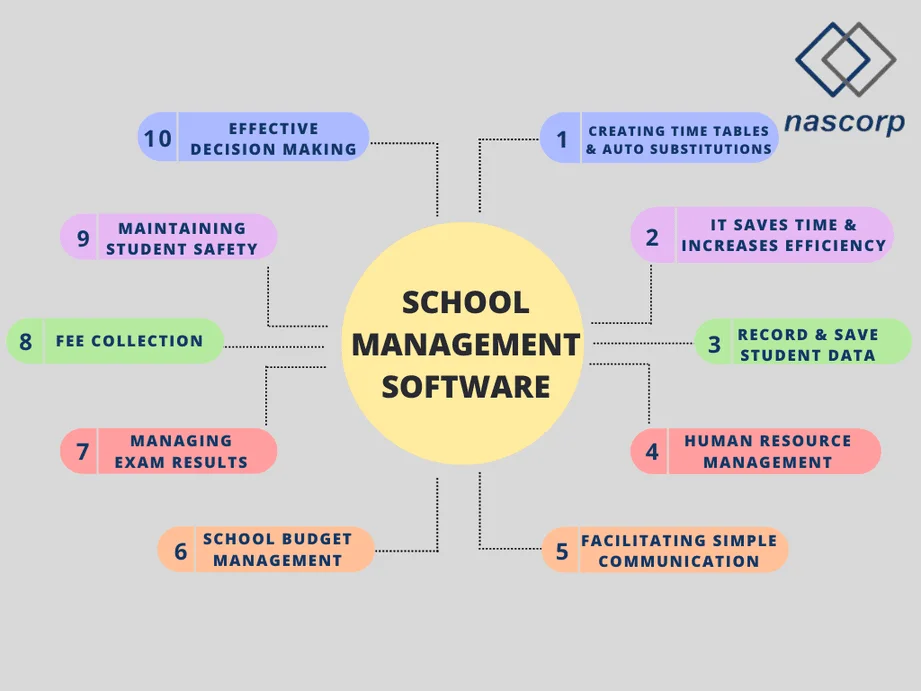
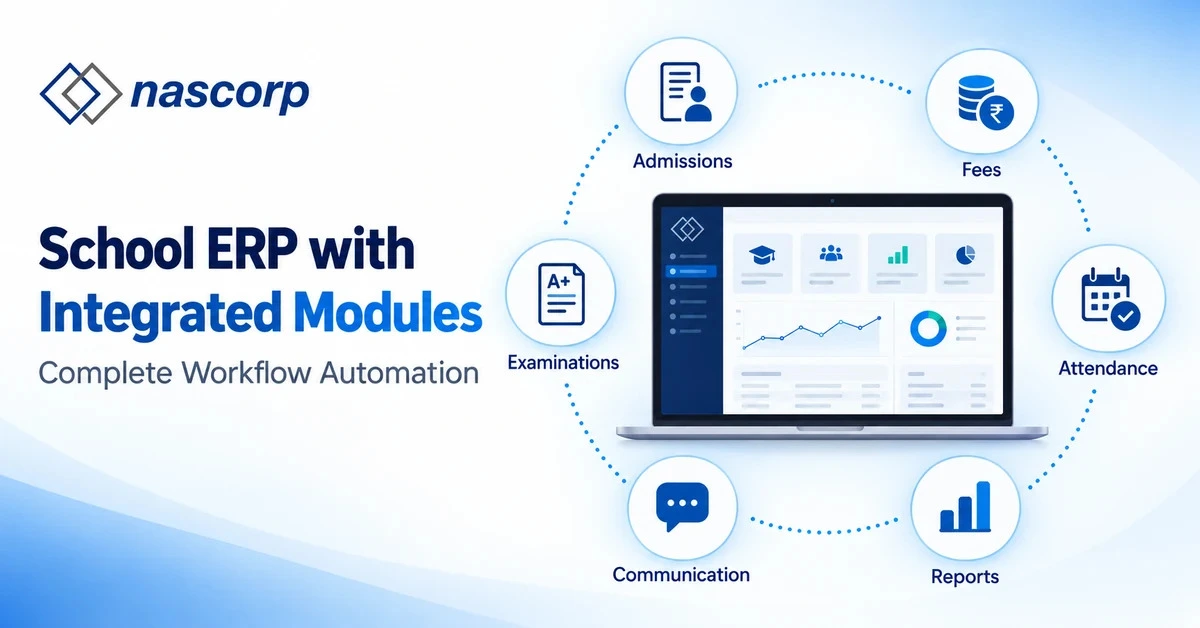
Previously, a school management system focused primarily on handling school operations. Modern software has expanded this role by introducing communication portals that make relevant information accessible to parents, students, teachers and management staff. A comprehensive platform connects these stakeholders and keeps them informed through mobile apps that provide updates in real time. Organisations with effective management and coordination are better positioned to grow and achieve their goals with greater confidence. For schools, reliable management software can support this progress by improving how teams work together and share information. Although many school software options are available, choosing one that genuinely meets an institution’s requirements can be difficult. Schools sometimes invest in solutions that fail to deliver the functionality they expected. To address these concerns, Nascorp offers an integrated School ERP solution designed to support learning alongside everyday administration. Its connected platform helps schools bring their activities and communication together, making routine processes easier to manage. Let us explore what school management software does, the features it offers and the benefits a reliable system can bring to schools and their stakeholders.
What is the School Management System?
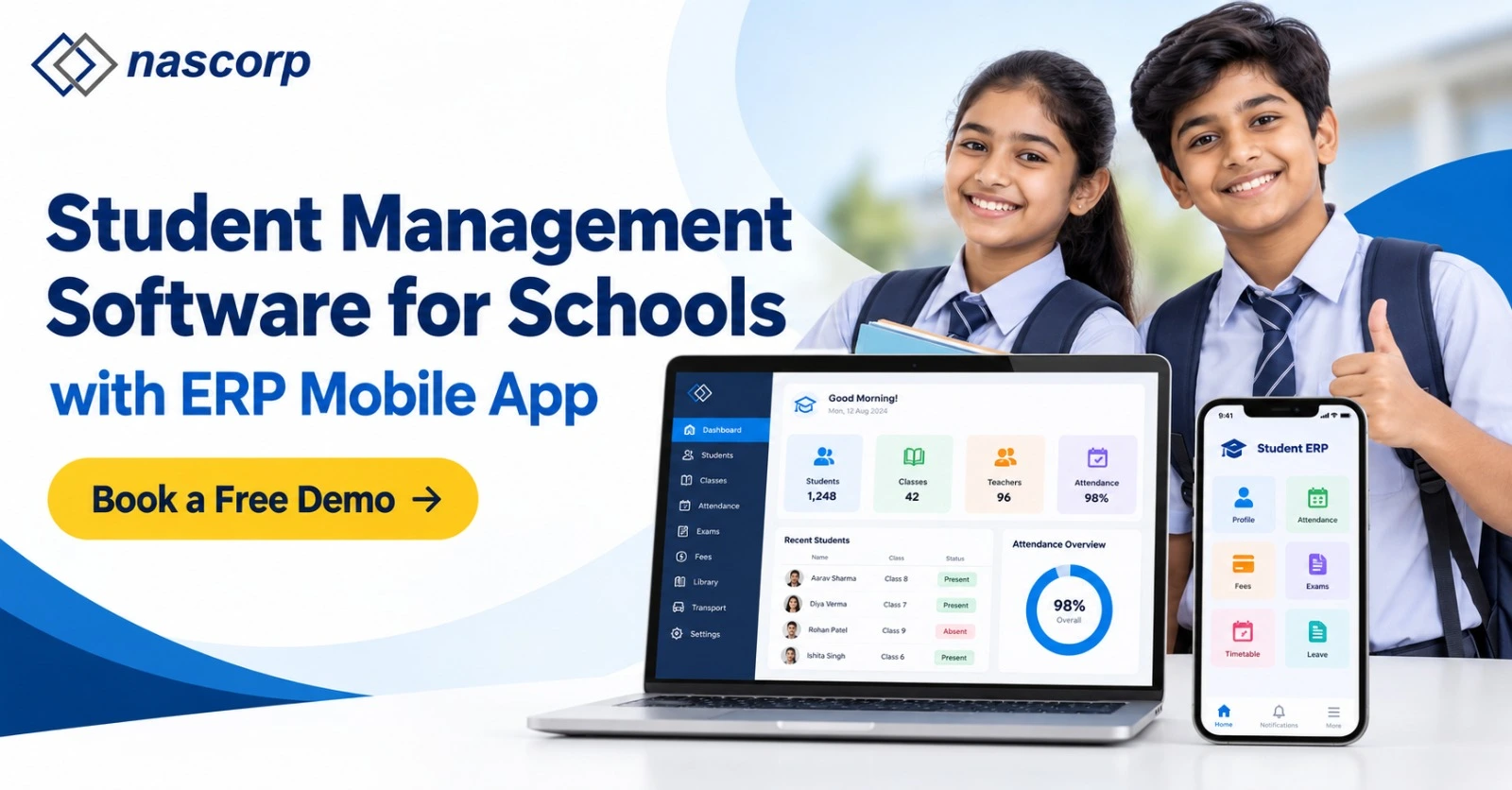
Nascorp offers school management software that supports your school’s requirements, alongside mobile applications for parents and teachers. The integrated platform helps school teams manage administrative activities and access information through a connected system. When evaluating school management software, several factors deserve attention, including its hosting environment. Schools should ask how the hosting setup supports scalability, reliability and changing operational needs. These considerations help management assess whether the system can support different departments as the institution grows. An integrated School Management Information System brings activities such as attendance and transport management together, helping staff organise tasks and maintain relevant records. Nascorp also offers modules that support the management of everyday school processes. For schools requiring transport monitoring, the demonstration should clarify available tracking options, mobile compatibility and the information parents can access during their child’s journey. Any GPS integration and vehicle tracking requirements should be discussed before selecting the relevant modules. This helps schools understand what the proposed solution includes and how it fits their existing transport procedures. Let us explore the features of Nascorp School Management Software and the benefits its different portals can offer parents, teachers, administrators and school management.
Book a personalised demo for your school’s daily management requirements.
Why School Management Software?
Schools use management software to organise records, reduce repeated work and give staff a clearer view of daily activities. Its value depends on how well it handles the school's actual processes, rather than how many features appear in a brochure.
1. Creating Timetables & Auto Substitutions
A timetable needs to account for subjects, class sections, teacher availability and shared facilities. Changes become harder to manage when several staff members update separate copies.
A timetable module can help schools organise schedules and identify conflicts. Where automatic substitutions are available, administrators should check how the system selects replacement teachers and whether they can review a suggestion before confirming it.
During a demonstration, ask the provider to show what happens when a teacher is absent. Check subject suitability, workload rules, notifications and manual overrides. Confirm that timetable and substitution features are included in the proposed scope.
2. It Saves Time & Increases Efficiency
Repeated data entry takes time and can create inconsistencies. For example, an admission record may need to be shared with the accounts team, class teacher and transport department.
An integrated system can reduce this repetition by letting authorised departments work from connected records. Staff can spend less time searching for information and more time completing their responsibilities.
To assess the benefit, compare a complete task before and during the demo. How many steps are needed to register a student, generate a receipt or prepare an attendance report? Identify the work the software actually removes.
3. Record and Save All Student-Related Data
Student records may include admission details, guardian contacts, attendance, academic information and documents. Keeping these records organised helps staff locate the correct information when needed.
A school management system can bring relevant records together, with access controlled by staff responsibilities. Schools should define which information they need to store and who can view or edit it.
Before importing existing data, confirm the available fields, document support and validation process. Agree on how duplicate records and corrections will be handled. Also ask about data export and backup arrangements.
4. Human Resource Management
School HR teams maintain staff profiles, attendance, leave records and payroll information. Connected HR and payroll modules can help them organise this work and review the information used in salary processing.
Schools should demonstrate their own leave rules, attendance exceptions and payroll requirements. Check who can approve changes and how incorrect entries are corrected before payroll is finalised.
Nascorp’s HR and payroll offering can be discussed alongside the other required modules. Confirm the configuration and reports your school needs in the written proposal.
5. Facilitating Simple Communication
Parents, teachers and administrators need access to relevant school updates. A connected communication system can make it easier to share announcements, homework information and other notices with the intended audience.
Parent and teacher mobile applications support this connection, but schools should evaluate the actual user experience. Review how notices are sent, which users receive them and what happens when someone misses an update.
Ask about app access, notification settings and any messaging integrations or charges. Keep communication permissions clear so that sensitive information reaches only authorised users.
6. School Budget Management
Budget planning requires a clear understanding of expected income, collections and expenditure. School management software can support planning by making relevant financial information easier to review.
However, fee management and full accounting are different requirements. Schools should confirm whether the proposed system includes expense tracking, budgeting and approval workflows, or whether another accounting tool is needed.
Use a sample budget review in the demo. Ask which reports are available, how figures are updated and how authorised staff can export information for further analysis.
7. Managing Online Exam Results
Examination work includes setting up assessments, entering marks, applying grading rules and preparing report cards. A connected examination module can help teachers and administrators coordinate these activities.
Bring an actual report-card format to the demonstration. Check how the system handles your school's grading pattern, subject combinations and corrections. Confirm who reviews results before publication.
If parents or students will access results online, ask how publication is controlled. The school should approve the records and understand the release process before results become visible.
8. Fee Collection
Fee collection involves more than recording payments. Schools also manage instalments, concessions, outstanding balances and receipts.
A fee management module can help staff review these records and keep payment information organised. Where online payments are required, confirm the available payment integrations, reconciliation process and applicable charges.
Ask the provider to demonstrate your school's fee structure, including a partial payment and a correction. Review how pending dues are reported and whether reminders can be configured for the relevant parents.
Discuss your required modules and request a school-specific ERP quotation.
9. Maintaining Student Safety
Accurate attendance records, current guardian contacts and organised transport information can support a school's safety procedures. Software helps staff access and communicate this information, while people remain responsible for supervising students and responding to incidents.
Schools considering vehicle tracking should verify the required GPS hardware, integration, update frequency and parent access. These capabilities should be demonstrated rather than assumed to be included.
Also review who can access student information and how changes are authorised. Software supports safety processes; it does not guarantee a child's safety or replace staff supervision.
10. Effective Decision Making
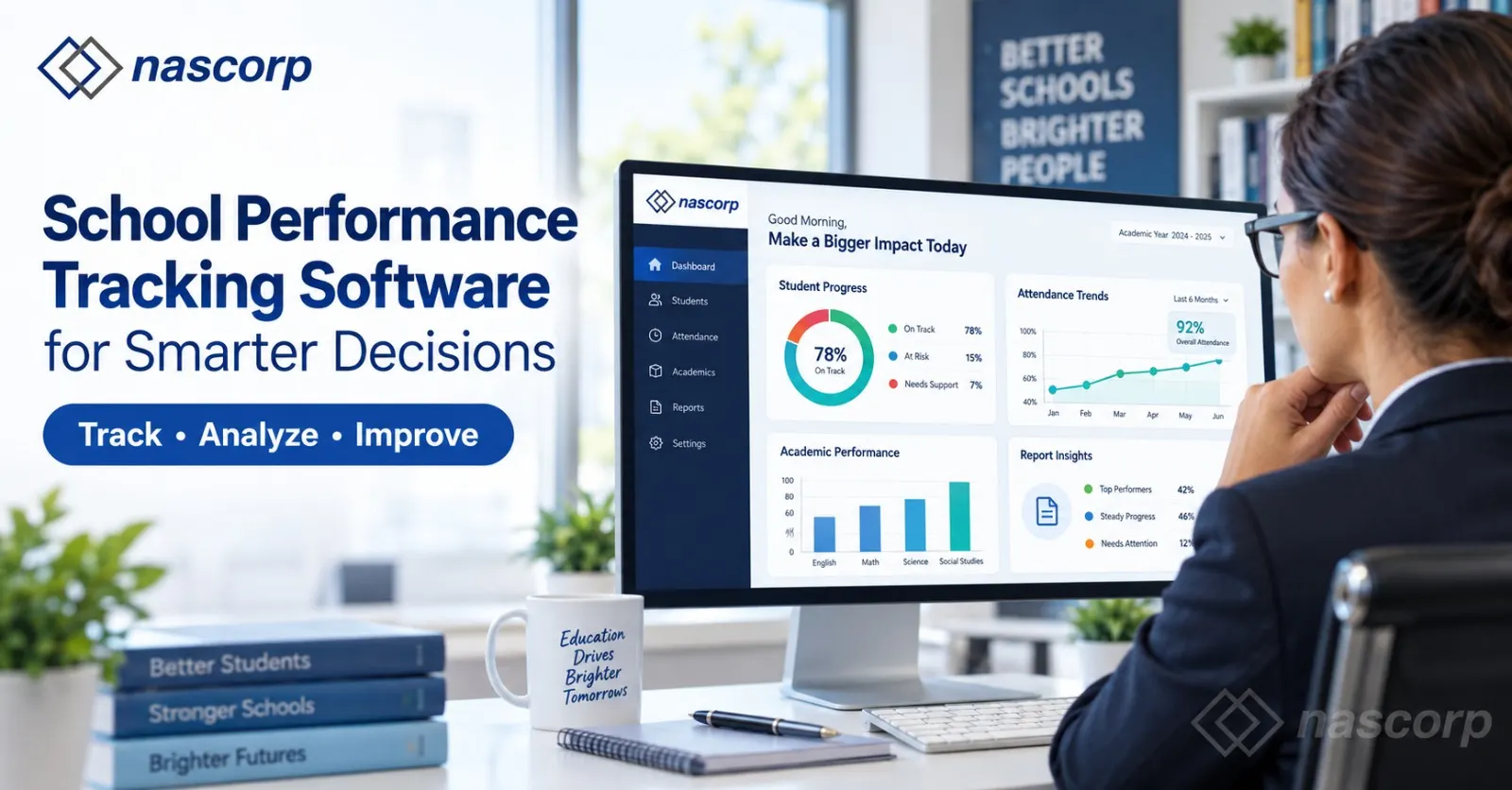
School leaders need reliable information to decide where attention is required. Attendance patterns, pending fees, admission progress and examination reports can help management identify questions to investigate.
The usefulness of these reports depends on accurate records and consistent updates. A dashboard is only helpful when staff understand what its figures represent.
During evaluation, ask management to review reports they would use regularly. Check filters, campus or class views, reporting periods and export options. Choose reports that support specific decisions rather than collecting information without a purpose.
Basic Access Roles in School Management Software
Access roles determine what each user can see and do. Permissions should follow responsibilities and protect information that a user does not need for their work. The examples below are an evaluation guide; the available permissions should be confirmed during configuration.
Teacher/ Staff:
Teachers may need access to assigned classes, attendance, homework, examination marks and relevant communication tools. Administrative staff may need separate permissions for admissions, accounts, HR or transport.
Check whether users can be limited to their assigned classes or departments. Agree on who can approve changes, publish results and correct records. Avoid giving every staff member unrestricted access simply because they work at the same school.
Students/ Parents:
Student and parent access may cover homework, attendance information, announcements, fee details and published results, depending on the selected modules.
Parents should see information associated with their own children. Schools should check how accounts are created, how guardians are linked to student records and how forgotten passwords are handled. If sibling access is required, demonstrate that workflow before implementation.
Management / Administrators:
Management may need summary reports and information across departments or branches. System administrators may also need configuration and user-management permissions.
These roles should be distinguished where appropriate. A person who needs to review reports does not necessarily need permission to change fee rules or edit student records. Agree on access responsibilities and review them when staff roles change.
How to Choose School Management Software in India
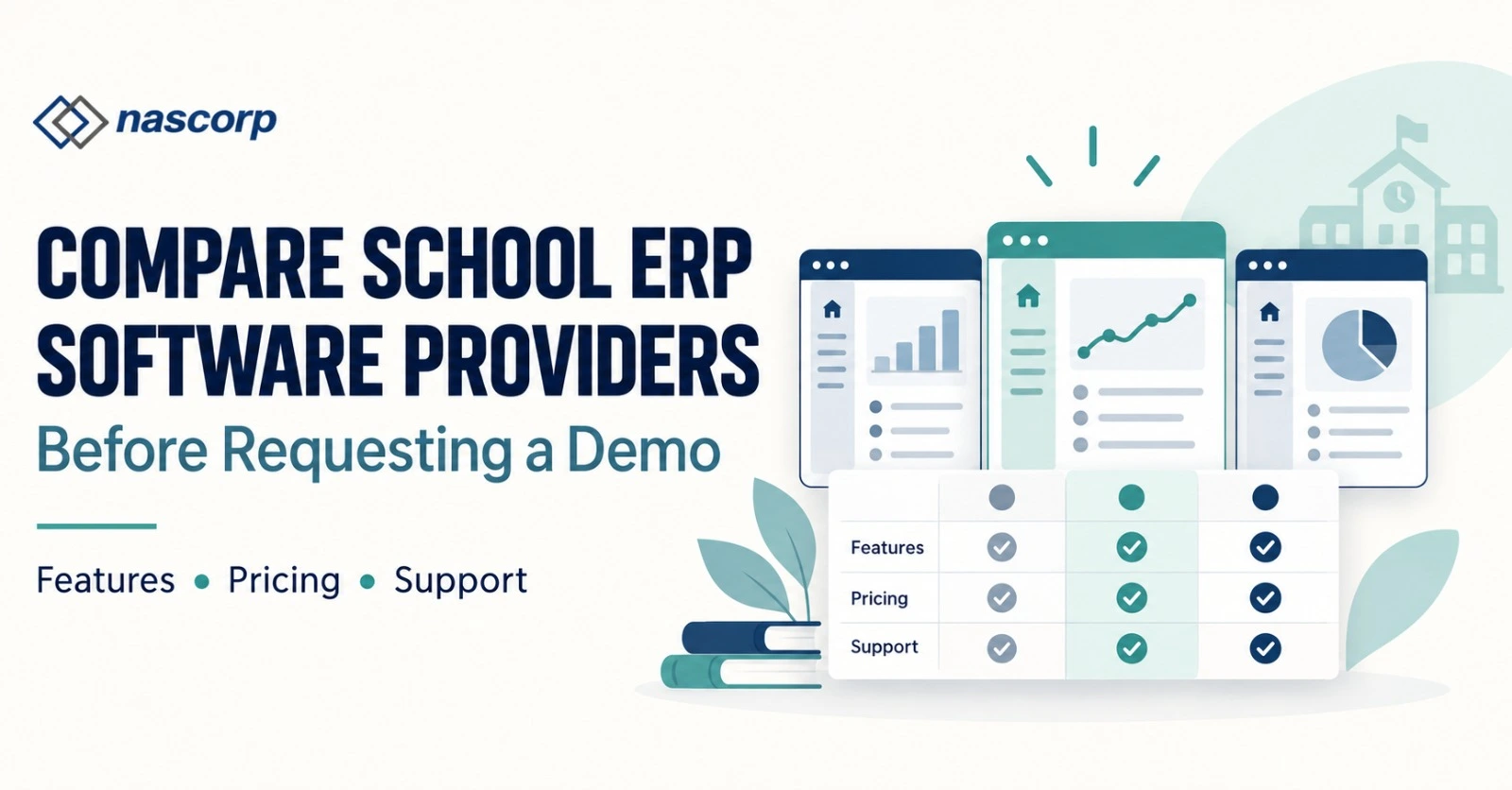
Start with your school's student strength, required modules, existing processes and budget. Use the same requirements list to compare each provider.
| Area to compare | What to check in the demonstration |
|---|---|
| Daily usability | Can intended staff complete their tasks without unnecessary steps? |
| Module suitability | Does the system handle your fee rules, grading formats and records? |
| Mobile applications | Can parents and teachers find the information they need? |
| Data migration | Which records can be imported, and who checks their accuracy? |
| Implementation | What configuration, training and launch assistance are included? |
| Cost | What are the setup, renewal, integration and optional-service charges? |
| Access and data handling | How are permissions, backups and exports managed? |
| Support | How are requests raised, and what service commitments are documented? |
Involve teachers, office staff and management in the evaluation. Their feedback helps reveal whether the system fits everyday work. For a structured evaluation, use Nascorp's school ERP provider comparison guide.
Implementation, Training and Data Migration
Before introducing a new system, agree on the records to migrate, the required configuration and the people responsible for checking the results. Clean up duplicate or incomplete entries before importing data where possible.
Staff training should cover actual responsibilities: attendance for teachers, fee workflows for accounts staff and reports for management. A launch plan should also account for admissions, examinations and other busy periods.
Nascorp provides implementation assistance, staff training and data-migration support. Discuss the scope for your school and document responsibilities, timelines and support arrangements before proceeding.
Explore Nascorp School ERP to review the offering, then request a demo based on your school's workflows.
Frequently Asked Questions
What is school management software used for?
School management software helps schools organise administrative and academic activities such as admissions, student records, fees, attendance, examinations and communication. Its exact capabilities depend on the included modules.
What is the difference between School ERP and a school management system?
Providers often use these terms interchangeably. School ERP generally emphasises connected workflows across departments. Compare the actual modules, shared records and integrations rather than choosing by the product name alone.
Can parents and teachers use school management software on mobile phones?
Yes, solutions that include parent and teacher mobile applications can provide access to relevant information and tasks. Confirm supported devices, available functions and account permissions during the demo.
How much does school management software cost in India?
Pricing varies according to student strength, modules, branches, implementation and optional services. Request an itemised quotation that explains setup, recurring charges and any integration or messaging costs.
Can a school migrate data from an existing system?
Migration depends on the records available, export formats and the new system's import capabilities. Agree on the migration scope and have authorised school staff verify the imported records before launch.
Does every school management system include GPS tracking and automatic substitutions?
No. These features vary by provider, package and integration requirements. Ask for a demonstration and written confirmation that the required functionality is included.
Can school management software replace staff supervision?
No. It can support record keeping, communication and access to information. Staff remain responsible for student supervision, approvals, incident response and other school procedures.
How can schools evaluate Nascorp School Management Software?
Share your school name, student strength, required modules and current challenges through the Nascorp demo enquiry page. Request a demonstration of your actual workflows and review the implementation scope and quotation before deciding.