Compare School ERP Software Providers Before Requesting a Demo
Selecting School ERP software is not simply a technology purchase. The chosen platform may eventually manage admissions, student information, fees, attendance, academics, examinations, report cards, parent communication, transport, HR, payroll and management reporting. A poor selection can increase manual work, create disconnected records and make employees dependent on spreadsheets. The right system can connect departments, improve reporting and support better decisions.
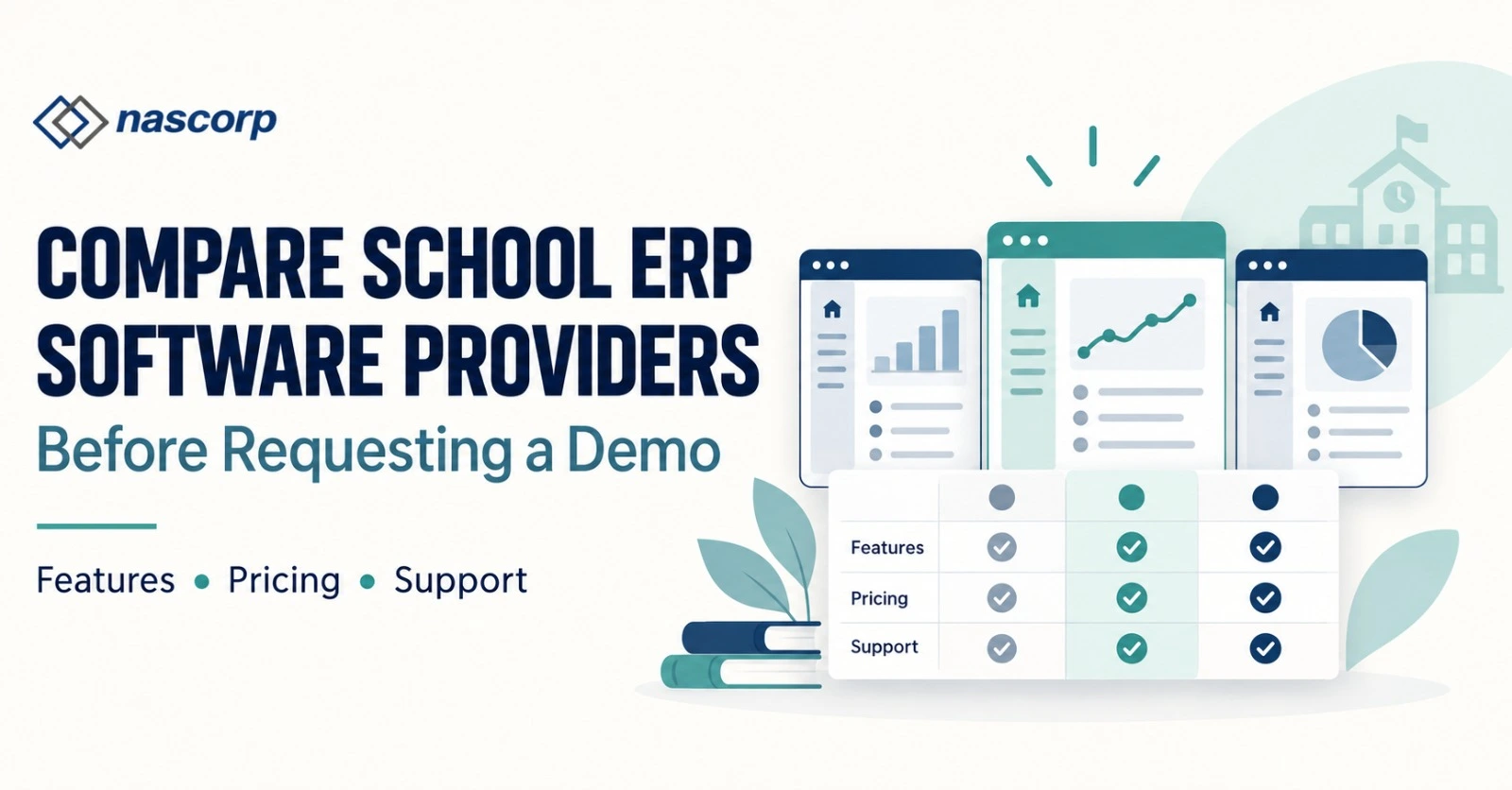
For this reason, schools should compare School ERP software providers before attending product demonstrations or requesting quotations. A structured comparison helps school leaders identify which provider understands their requirements, which modules are genuinely integrated and which proposal offers long-term operational value.
The process should begin with the school’s existing challenges. Management should then prepare a common requirement list and ask shortlisted providers to demonstrate the same workflows. This creates a fair School ERP software comparison and prevents purchasing decisions from being influenced only by polished presentations, low initial pricing or long feature lists.
Why Should Schools Compare ERP Providers?
Schools compare ERP providers to understand differences in functionality, usability, integration, implementation, support and total cost. Two platforms may offer modules with similar names but provide significantly different workflows.
For example, most providers mention fee management. However, one system may support only basic collection and receipt generation, while another may also provide configurable fee structures, concessions, payment-gateway integration, refunds, reconciliation, dues reminders and management reports.
The same difference may exist in attendance, examinations, communication and reporting. Comparing providers reveals what is actually available, what requires customization and what may involve an additional charge.
The best School ERP software providers should be evaluated on their ability to solve current problems and support future growth. School leaders should not select a system only because another institution uses it. Every school has different fee policies, academic structures, approval processes, reporting requirements and levels of staff readiness.
Request School ERP software demo:
Identify Your School’s Requirements Before the Demo
Before comparing School ERP software providers in India, create a requirement document with inputs from management, administration, accounts, academics, transport and IT teams. This prevents the demonstration from becoming a general product tour.
Begin by identifying operational problems such as duplicate student records, delayed fee reconciliation, complicated report-card preparation, limited parent communication, poor management reporting or excessive spreadsheet dependency.
The requirement document should include:
- Approximate student strength
- Number of campuses or branches
- Required ERP modules
- Existing software and spreadsheets
- Academic and examination structure
- Fee collection and accounting requirements
- Parent and teacher mobile-app requirements
- Existing data-migration requirements
- Payment gateway and device integrations
- Customized reporting needs
- Expected implementation timeline
- Training and support expectations
This information also helps School management software providers prepare a relevant demonstration and an accurate quotation.
Create a Common ERP Evaluation Process
Every shortlisted provider should be evaluated through the same process. If one company demonstrates only fee management and another demonstrates the complete admission-to-report-card workflow, the comparison will not be fair.
Create a scoring sheet and assign weight to each decision area. Functional fit may receive greater weight than appearance, while implementation and support may receive greater weight than optional features.
| Evaluation area | Suggested weight | What to examine |
|---|---|---|
| Functional fit | 25% | Ability to manage essential school workflows |
| Ease of use | 15% | Steps, navigation and employee learning requirements |
| Integration | 15% | How modules share approved information |
| Reporting | 10% | Standard, filtered and customized reports |
| Mobile applications | 10% | Parent, teacher and management experiences |
| Implementation | 10% | Configuration, training and go-live planning |
| Support | 10% | Issue resolution and escalation process |
| Pricing | 5% | Complete first-year and renewal-year cost |
Schools may adjust these percentages according to their priorities. The important point is to use the same criteria for every School ERP vendor.
Get a module-wise School ERP quotation:
Compare School ERP Modules, Not Module Names
A School ERP modules comparison should examine workflows inside each module rather than checking whether the provider has listed a module on its website.
Admission and Enquiry Management
Ask how the system manages enquiries, follow-ups, applications, document collection, registration payments, approvals and admission confirmation. When an application is approved, the software should create a student profile without requiring the same information to be entered again.
Check whether the admission team can track enquiry sources, pending follow-ups, application status and conversion reports. If online admission is required, test the actual parent-facing form.
Student Information Management
The student information module should provide one centralized and permission-controlled profile. It may include personal information, parent details, documents, siblings, academic history, fee information, attendance, transport and examination records.
Ask what happens when a student changes class, section, stream, transport route or branch. Connected records should update according to the approved workflow.
Fee Management
Fee management is one of the most important areas in a School ERP features comparison. The demonstration should include fee structures, optional charges, concessions, scholarships, collection, receipts, refunds, adjustments, outstanding dues and reconciliation reports.
The accounts team should verify whether reports can be viewed student-wise, class-wise, payment-mode-wise, date-wise and fee-head-wise. If the school accepts online payments, confirm the payment gateway, settlement process and transaction charges.
Attendance and Timetable
Teachers should be able to record attendance quickly through a web panel or mobile application. The system should support authorized corrections, leave records, monthly reports and parent alerts.
For timetable management, ask how classes, teachers, subjects and rooms are allocated. Check how substitutions and timetable changes are communicated.
Examination and Report Cards
The examination module should support the school’s marking and grading rules. Ask the provider to demonstrate marks entry, approval, grade calculation, subject remarks, co-scholastic assessment, report-card generation and result finalization.
The school should test whether existing report-card formats can be configured and how corrections are controlled after results are finalized.
Communication and Mobile Applications
A School ERP with parent mobile app can improve access to attendance, homework, notices, fee information, receipts, results and transport updates. However, the school should test the real application instead of relying on screenshots.
The teacher app should simplify daily responsibilities such as attendance, homework, marks entry and communication. The management app may provide dashboards, approvals and important operational summaries.
Request a Workflow-Based School ERP Software Demo
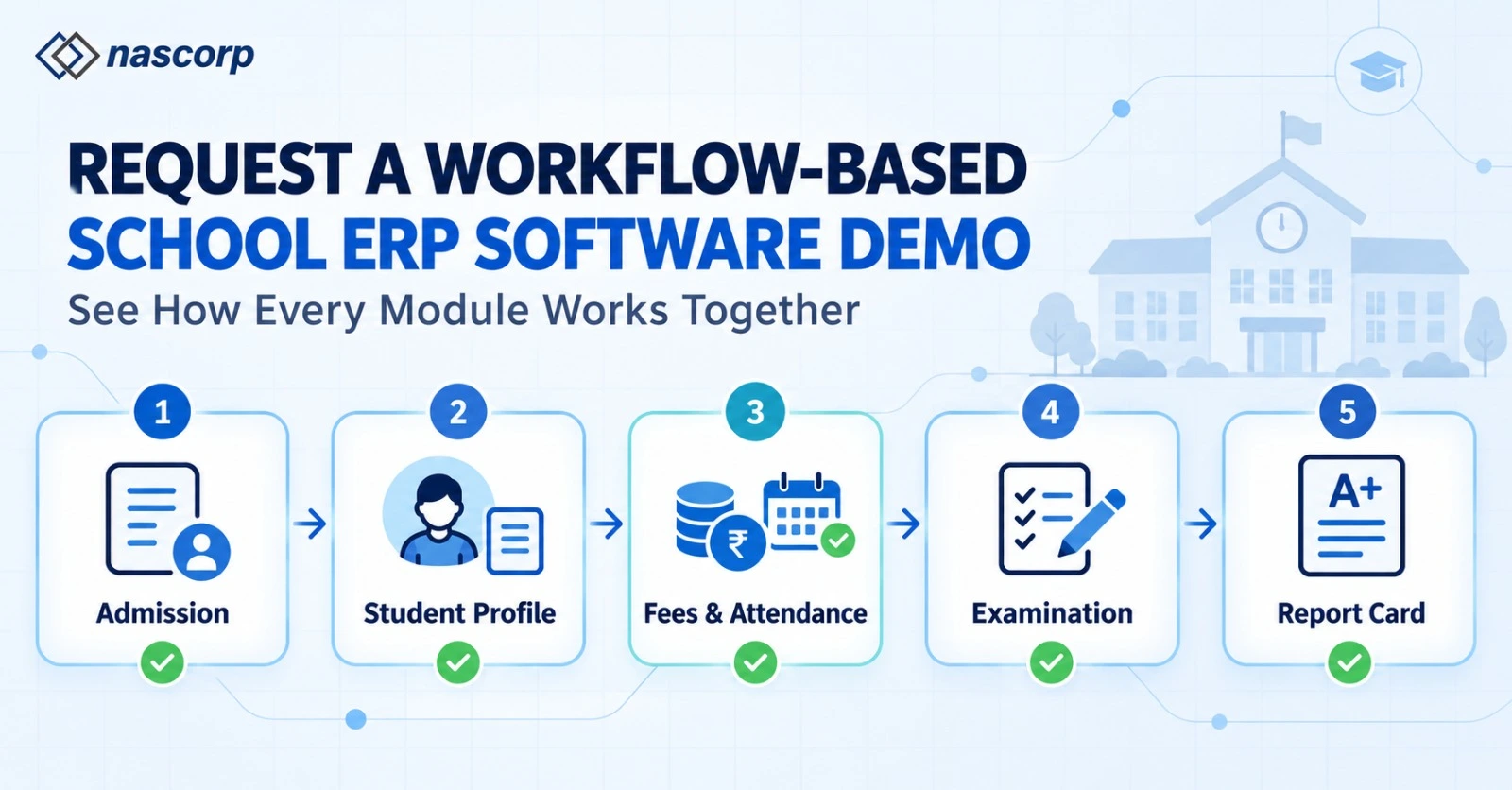
A School ERP software demo should show how different modules work together. Instead of asking the provider to open every module individually, request an end-to-end student journey.
The demonstration can begin with an admission enquiry. The provider should convert the enquiry into an application, verify documents, record the applicable payment and confirm admission. The system should then create a student profile, allocate the class and section, assign the relevant fee structure and make the student available in attendance, academics and examination records.
| Workflow stage |
Activity to demonstrate | Expected result |
|---|---|---|
| Enquiry | Record prospective-student information |
Follow-up becomes trackable |
| Admission | Verify application, documents and payment |
Approved student profile is created |
| Class allocation | Assign class, section and roll number |
Student appears in academic records |
| Fee assignment | Apply structure and optional charges | Ledger and payment schedule are prepared |
| Attendance | Teacher marks presence or absence | Register and parent alert are updated |
| Academics | Record homework and assessments | Progress information becomes available |
| Examination | Enter, approve and finalize results | Report card is generated |
| Communication | Publish notices and results | Parents receive relevant information |
| Reporting | Consolidate departmental data | Management receives actionable MIS |
This process helps decision-makers identify whether the system is genuinely integrated.
Test Exceptions and Corrections
Top School ERP companies in India should be able to demonstrate common exceptions, not only perfect workflows.
Ask what happens when:
- A student changes section
- A fee concession is approved
- An incorrect payment needs reversal
- Attendance requires correction
- A student changes the transport route
- Marks are entered incorrectly
- A finalized report card requires revision
- A student withdraws from school
- An employee’s role changes
- A branch needs a separate approval process
These scenarios reveal how permissions, audit trails, approvals and connected records work.
Compare School ERP Pricing Carefully
School ERP software pricing in India may depend on student strength, branches, selected modules, mobile applications, implementation requirements and support scope. Some providers charge per student, while others offer annual packages or module-based pricing.
The lowest initial quotation may exclude important services. Before selecting a provider, request a detailed School ERP software quotation that identifies included and optional components.
| Quotation item | Details to confirm |
|---|---|
| ERP modules | Exact modules included in the proposed price |
| Student limit | Included strength and expansion charges |
| User access | Number and type of administrative users |
| Mobile apps | Parent, teacher and management applications |
| Implementation | Configuration and project-management scope |
| Data migration | Records, academic years and formats included |
| Training | Departments, sessions and delivery method |
| Support | Channels, availability and escalation |
| Integrations | Payment gateway, biometric, SMS and |
| Customization | Included changes and chargeable development |
| Renewal | Annual cost and future pricing conditions |
| Data exit | Export process if the contract ends |
Compare both the first-year cost and the renewal-year cost. Also ask about taxes, payment-gateway charges, messaging charges, biometric integration and onsite visits.
Evaluate ERP Implementation Services
Strong software can still fail when implementation is poorly managed. School ERP implementation services should include requirement discovery, workflow mapping, configuration, data preparation, user training, testing, go-live and stabilization support.
Ask every provider to share a responsibility matrix. It should explain which tasks belong to the provider and which require action from the school.
The implementation plan should identify:
- Project owner from both teams
- Modules included in the first phase
- Data formats required
- Configuration deadlines
- Training schedule
- User-acceptance testing
- Go-live criteria
- Issue escalation
- Post-launch support period
Schools should nominate internal process owners from administration, accounts, academics, and IT. Their involvement reduces delayed decisions and incorrect configuration.
Compare Data-Migration Capabilities
School ERP data migration services become critical when replacing an existing system. Historical records may exist inside old software, spreadsheets, documents and departmental databases.
Before migration begins, define which information must be transferred. This may include student profiles, opening fee balances, receipts, attendance, examination marks, report cards, transport records, employee information and documents.
A responsible provider should conduct a trial migration. Both teams should verify record counts, sample student profiles, fee balances and academic information before final migration.
Ask the School ERP vendors in India these questions:
- Which records can be migrated?
- Which file formats are accepted?
- How many academic years are included?
- Who will clean duplicate or incomplete data?
- How will opening balances be verified?
- Will documents and photographs be transferred?
- What happens if an error is found after go-live?
- Can the school export its complete data later?
These answers help protect the school from unexpected delays and additional costs.
Consider Scalability for Large Schools
A School ERP for 1,000+ students must perform reliably during high-volume activities. Ask the provider to demonstrate bulk attendance, fee collection during peak periods, mass report-card generation, communication campaigns and data-heavy reports.
Scalability is not only about the number of students. The system may also need to support many employees, user roles, classes, fee structures, examination patterns and simultaneous mobile-app users.
The provider should explain whether the system can add new modules, academic sessions and branches without creating disconnected databases.
Compare Multi-Branch Capabilities
Multi-branch School ERP software should offer both centralized control and branch-level independence. Group management may require consolidated reports, standardized master data and centralized permissions, while individual branches need control over their daily processes.
During the demonstration, test:
- Branch-specific user access
- Consolidated management dashboards
- Branch-wise fee and admission reports
- Standardized academic structures
- Student transfers between branches
- Centralized communication
- Separate and consolidated accounting reports
- Common or branch-specific mobile applications
A multi-branch platform should make comparison easier without exposing confidential branch information to unauthorized users.
Assess Technical Support Before Selection
Technical support is part of the product experience. The best School ERP software in India will not create value if users cannot receive assistance during important operations.
Ask about support channels, working hours, response expectations and escalation procedures. Check whether issues are recorded through a ticketing system and whether management can track pending requests.
Training should be role-based. Teachers, accountants, admission teams and administrators use different parts of the system and should not receive the same generic session.
Also ask whether refresher training is available when employees change or new modules are introduced.
Check Data Access, Security and Permissions
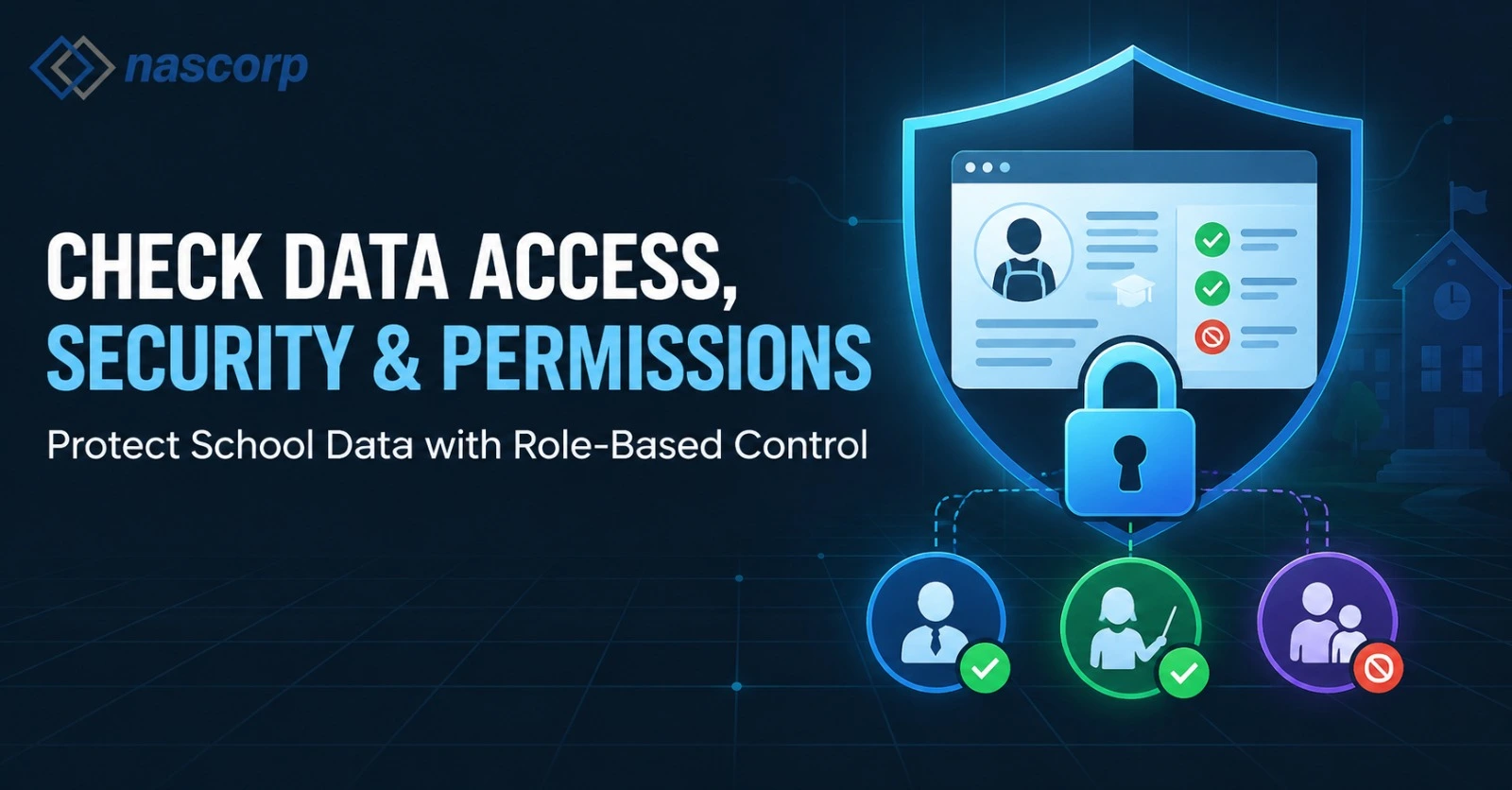
School ERP software contains operational and personal information. Providers should explain how user access, backups and activity records are managed.
Important questions include:
- Can permissions be configured according to employee roles?
- Are important changes recorded in an audit trail?
- Can access be removed immediately when an employee leaves?
- How are backups managed?
- Is access protected through secure authentication?
- Can the school download reports and records?
- How is data handed over when the agreement ends?
Schools should document these requirements in the proposal or agreement rather than relying only on verbal assurances.
Common Mistakes While Comparing Providers
One common mistake is selecting a provider only because it offers the lowest quotation. Another is assuming that similarly named modules provide identical functionality.
Schools may also request different demonstrations from every provider, making comparison difficult. Some decision-makers focus entirely on management dashboards but do not involve employees who will perform daily data entry.
Other mistakes include:
- Not testing the mobile applications
- Ignoring data-migration scope
- Assuming every customization is included
- Not comparing renewal costs
- Skipping user-acceptance testing
- Ignoring exit and data-export conditions
- Not checking implementation responsibilities
- Selecting software without department feedback
A structured comparison helps avoid these problems.
Final School ERP Provider Comparison Checklist
Before choosing from the shortlisted School ERP software providers, confirm that the school has completed the following steps:
- Documented current operational problem
- Defined essential and optional modules
- Involved relevant departments
- Created a common demonstration script
- Completed a School ERP software comparison
- Tested practical exceptions and corrections
- Reviewed parent and teacher mobile apps
- Compared implementation plans
- Defined data-migration scope
- Compared first-year and renewal costs
- Reviewed training and support
- Confirmed data access and export conditions
- Recorded agreed requirements in writing
- Requested a final module-wise quotation
Explore the complete School ERP solution:
Frequently Asked Questions
How do I compare School ERP software providers?
Compare providers using common criteria: functional fit, ease of use, module integration, reporting, mobile apps, implementation, data migration, training, support, scalability and total cost. Ask every provider to demonstrate the same school workflows.
Which is the best School ERP software in India?
The best solution is the one that fits the school’s operational processes, student strength, academic structure, budget and growth plans. A popular platform may not automatically be the right fit for every institution.
What should be included in a School ERP demo?
The demo should cover admission, student records, fees, attendance, academics, examinations, report cards, communication and MIS reporting. It should also demonstrate corrections, approvals, permissions and exception cases.
How much does School ERP software cost?
Pricing depends on student strength, modules, branches, users, mobile apps, implementation, migration and support. Schools should compare complete first-year and renewal-year costs.
Which School ERP modules are necessary?
Most schools require admissions, student information, fees, attendance, academics, examinations, report cards, communication and MIS reporting. Transport, HR, payroll, library and inventory may be added according to requirements.
Does the provider offer data migration?
Do not assume migration is included. Ask the provider to define the records, formats, academic years, validation process and charges in writing.
Is training included with School ERP implementation?
Training may or may not be included. Confirm the number of sessions, departments covered, delivery method and availability of refresher training.
Does the ERP provide parent and teacher mobile apps?
Many platforms provide mobile access, but functionality differs. Test attendance, homework, fees, notices, results, approvals, and communication inside the actual apps.
Can the ERP manage 1,000+ students?
A scalable ERP should handle large student records, multiple users, bulk processes, peak fee collection and mass report-card generation. Request a performance-focused demonstration.
Does the ERP support multiple school branches?
Some systems provide only separate branch databases. A proper multi-branch solution should support centralized dashboards, branch permissions and consolidated reporting.
How many providers should a school shortlist?
Three to five relevant providers are generally enough for a structured comparison. Evaluating too many vendors can make the process unnecessarily complicated.
Should the school choose the lowest quotation?
Not automatically. Compare functional coverage, excluded services, migration, training, support and renewal costs before evaluating the total value.
How can a school request a relevant demo?
Share student strength, branches, required modules, current challenges, integrations, and migration requirements before scheduling the demonstration.
Request a Personalized School ERP Demo
Comparing School ERP software providers before requesting a demo gives school leaders greater control over the selection process. It helps management ask relevant questions, identify hidden costs and evaluate how the software will work during actual school operations.
Nascorp Technologies provides an integrated School ERP solution for admissions, student information, fees, attendance, timetable, homework, examinations, report cards, parent communication, transport, HR, payroll and school MIS.
Schools planning a new implementation or replacing an existing system can request a personalized demonstration based on their student strength, required modules, current workflow and data-migration requirements.


