Compare School ERP Software Providers Before Requesting a Demo
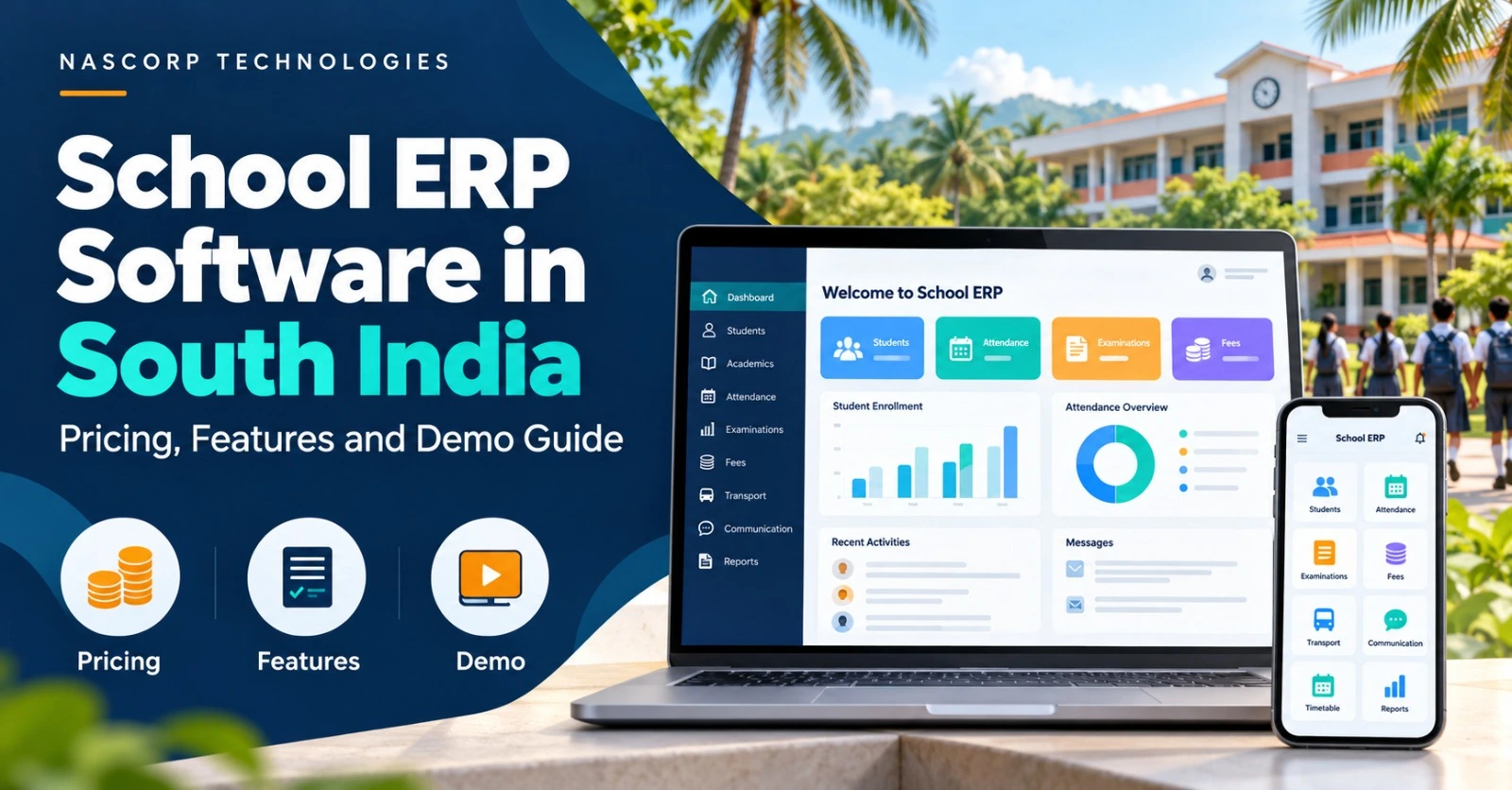
School ERP Software in South India
Pricing Features and Demo Guide
A practical guide for schools in Karnataka, Tamil Nadu, Telangana, Andhra Pradesh and Kerala that are choosing a new ERP or replacing an existing system.
Choosing school ERP software starts with the work your staff need to complete every day. Can the accounts team check a fee balance easily? Can teachers prepare the required report cards? Can parents find relevant updates without calling the office?
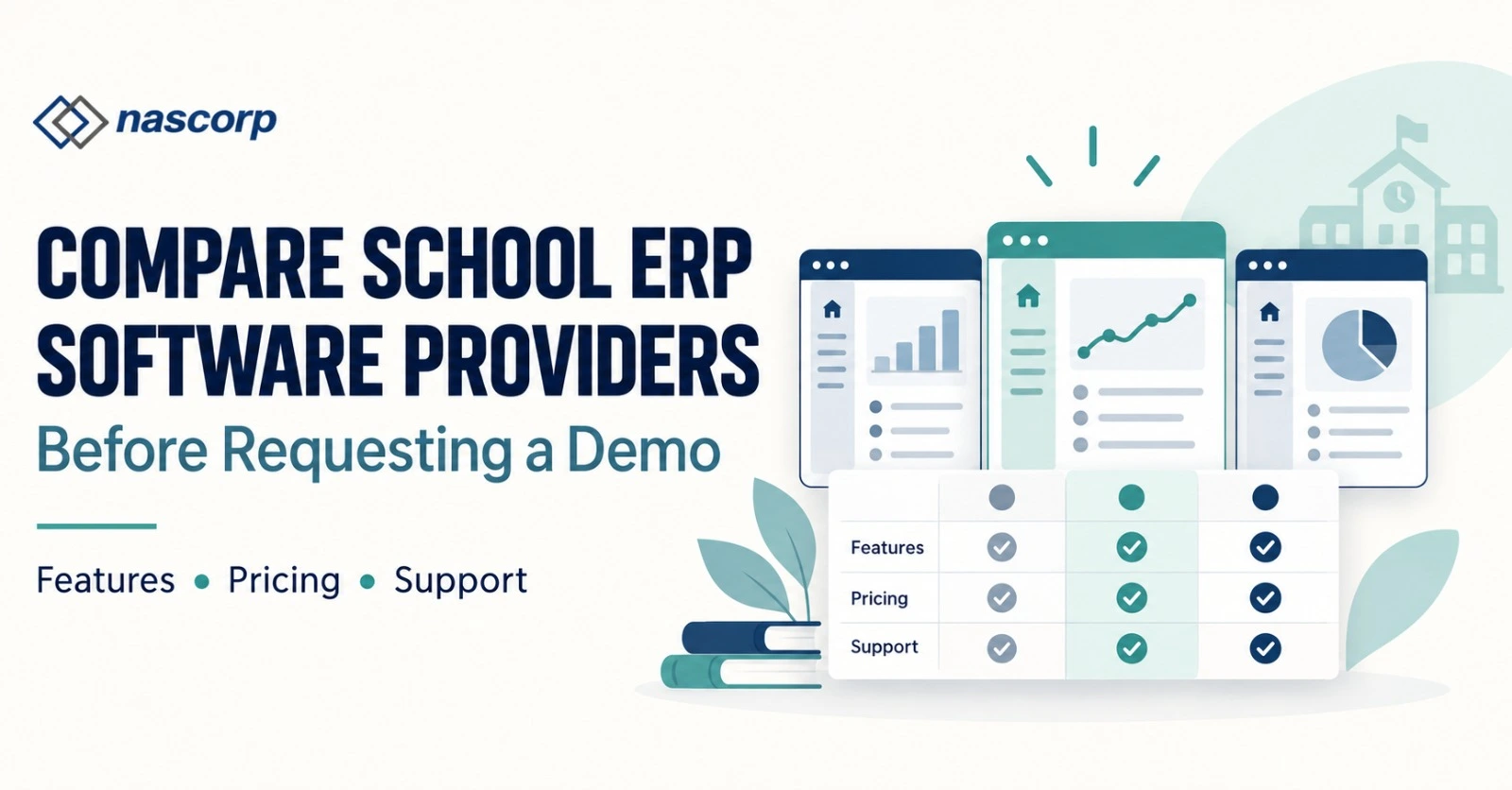
If your school is comparing providers, use this guide to organise your requirements, understand a quotation and make the product demonstration useful. A long feature list should lead to a clear discussion about what your school will actually use.
What should a school compare before buying ERP software?
Compare the required modules, total cost, migration scope, staff training, parent access and support arrangements. Ask the provider to demonstrate your school’s everyday workflows and confirm the agreed scope in writing.
Start with your school’s requirements
Start with your school’s requirements
Share your student count, state, required modules and current software with Nascorp Technologies. Request a demonstration focused on the tasks that matter to your team.
Which school ERP features should you compare
Start by separating essential requirements from features that can wait. Involve the school office, accounts team, academic team and management so that the shortlist reflects real work.
| Area | What to check during the demo |
|---|---|
| Student records and admissions | Find a student, update contact details and follow an enquiry through admission. |
| Fees and accounts | Show your fee structure, concessions, receipts and outstanding-balance reporting. |
| Attendance | Record attendance, correct an entry and review the reports your staff need. |
| Examinations and report cards | Use a sample of your assessment and report-card formats rather than a generic template. |
| Parent communication | Review which information parents receive and how staff manage updates. |
| Transport, HR and other modules | Include these only where required and check their connection with student or staff records. |
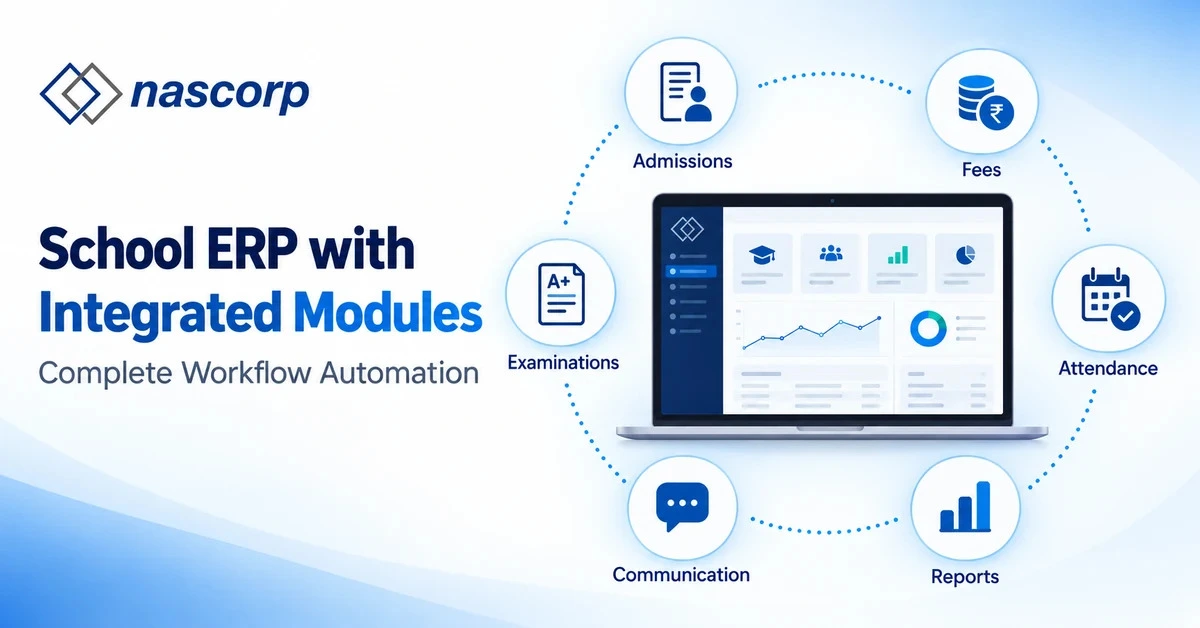
For a product overview, explore Nascorp’s School ERP modules. If mobile access is important, review the school mobile app information and ask for a parent-and-staff walkthrough.
School ERP pricing what should your quotation include
A useful quotation should explain both the price and the scope.
Ask which student count, modules and services it covers. Compare the first-year amount and renewal terms separately so that the school can assess the continuing commitment.
This guide does not publish a fixed Nascorp rate. Request a written quotation for your requirements and confirm whether the following items are included or charged separately.
| Quotation item | Question to ask |
|---|---|
| Subscription or licence | Is billing per student, per school or another agreed basis? What changes at renewal? |
| Modules and mobile app | Which modules and app access are included in the proposed package? |
| Implementation and migration | Which setup tasks and historical records are covered? |
| Training and support | Who will receive training, through which channels, and what support is included? |
| Integrations and communication | Are integration work, message credits or third-party charges additional? |
| Taxes, renewal and exit | What is the payable amount, and what are the renewal and data-export arrangements? |
Use the School ERP pricing page as a starting point, then request a quote that reflects your actual school size and required services.
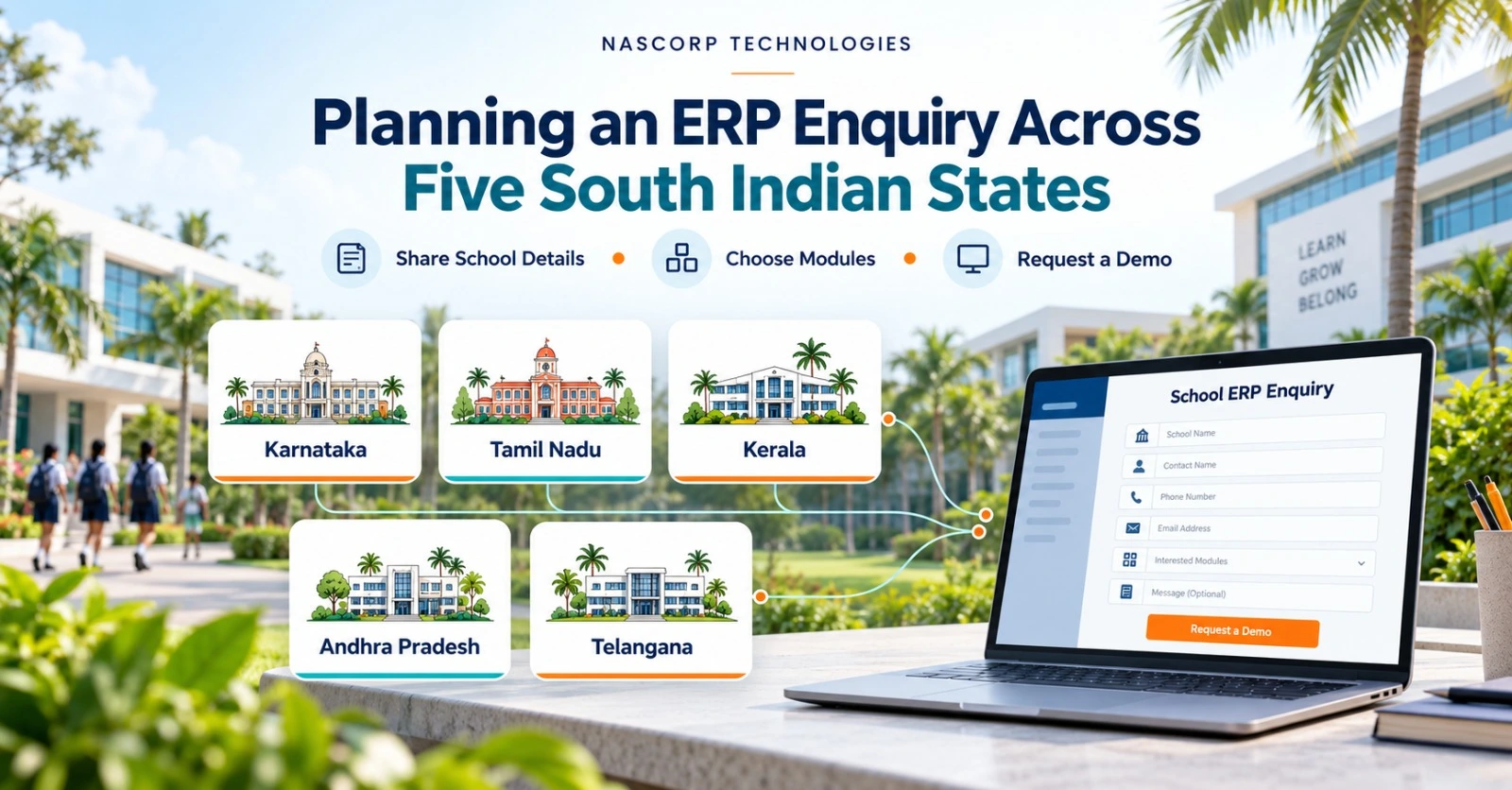
Planning an ERP enquiry across five South Indian states
Schools evaluating ERP in Karnataka, Tamil Nadu, Telangana, Andhra Pradesh and Kerala can use the same core buying checklist. The details should come from the individual school: its board, reporting formats, languages, branch structure and implementation needs. A state name alone does not define those requirements.
School ERP software in Karnataka
For a school in Bengaluru, Mysuru, Mangaluru or another Karnataka location, include the campus and branch details in the enquiry. If several campuses share management, ask the provider to demonstrate branch permissions, consolidated reports and the process for keeping records separate where needed.
School ERP software in Tamil Nadu
Schools in Chennai, Coimbatore, Madurai and other locations should share their report-card and parent-communication requirements. If Tamil text or another language is important, request a demonstration using actual sample content and confirm the supported interfaces and communication formats.
School ERP software in Telangana
For a school in Hyderabad, Warangal or elsewhere in Telangana, list the systems already used for fees, attendance and admissions. Ask which integrations or imports are available and who will own each task. This helps distinguish an agreed implementation from a general feature promise.
School ERP software in Andhra Pradesh
Schools in Vijayawada, Visakhapatnam, Tirupati and other locations can make the demo more relevant by bringing sample records and assessment formats. Identify the academic sessions and fee balances that need to be transferred, then ask how the imported records will be checked.
School ERP software in Kerala
For schools in Kochi, Thiruvananthapuram, Kozhikode or another Kerala location, document the people who need training and the support arrangements required after launch. Where Malayalam communication is a requirement, verify it during the demo rather than assuming it is included.
These are planning examples, not claims about every school in a state. Confirm Nascorp’s service availability, support languages, online or onsite arrangements and any associated charges for your location before agreeing to a package.
Get a quotation based on your school
Include your school name, state, city, student count and required modules. If you are replacing an ERP, mention the current system and records you want to migrate.
Replacing your ERP check migration and training first
A software change affects people and records as well as features. Before choosing a provider, agree on what will move, who will verify it and how staff will learn the new workflows.
List the records: identify student profiles, parent contacts, fee balances and relevant historical information.
Review file quality: check missing fields, inconsistent formats and duplicate entries.
Test a sample: inspect an agreed import before approving the full transfer.
Assign reviewers: school staff should validate the data they depend on.
Plan training: cover role-specific tasks for teachers, office staff, accounts and management.
Review Nascorp’s ERP implementation and data migration information, and confirm the records and services included in your proposal. Avoid assuming that every historical field or custom format will transfer automatically.
Make the ERP demo a buying decision, not just a product tour
Choose a few tasks your staff find difficult today. Ask the demonstrator to complete those tasks and explain any configuration or additional work required.
Create an admission enquiry and show how staff track it.
Find a student’s fee balance and issue or retrieve a receipt.
Record attendance and correct a genuine entry error.
Prepare a sample assessment report in your school’s format.
Show what a parent and a teacher can access on mobile.
Explain staff permissions, data export and support escalation.
After the demonstration, record which requirements are available, which need configuration and which are outside scope. Ask for the final quotation and implementation responsibilities in writing.
Frequently asked questions
How much does School ERP software cost in South India?
Request a quotation based on student count, selected modules, implementation, migration and support. Compare the included services and renewal terms, not just the starting price. This guide does not state a fixed regional or Nascorp rate.
Can one ERP be evaluated by schools in all five states?
Yes, schools can evaluate the same product against their own requirements. Confirm reporting formats, integrations, language needs and service arrangements for each school; geographic coverage alone does not establish suitability.
Does choosing ERP for a CBSE school guarantee every report format is supported?
No. Share the formats and assessment workflows your school uses and ask the provider to demonstrate them. Confirm any configuration or customisation in the written scope.
Will old records move to a new school ERP?
The answer depends on available files, data quality and agreed migration scope. List the records you need, review a sample import and confirm responsibilities before approving a transfer.
Are parent mobile apps and regional-language support included?
Check both separately. Ask which app functions, interfaces and communication formats are supported, and whether they are included in your quotation. Do not assume regional-language service from the location being discussed.
What should a school share when requesting a demo?
Share the school name, state, city, student count, required modules and key problems. If replacing software, include your existing system and migration needs. Agree a suitable sample-data approach before sharing actual student records.
Discuss your school’s ERP requirements with Nascorp Technologies
If your school is considering a new ERP or reviewing its current software, bring your requirements to a focused conversation. Compare demonstrated capabilities, a clear quotation and an agreed implementation scope before deciding.
See how the proposed system fits your workflows
Request a school-specific demonstration and discuss pricing, migration and training requirements with Nascorp Technologies.