Compare School ERP Software Providers Before Requesting a Demo
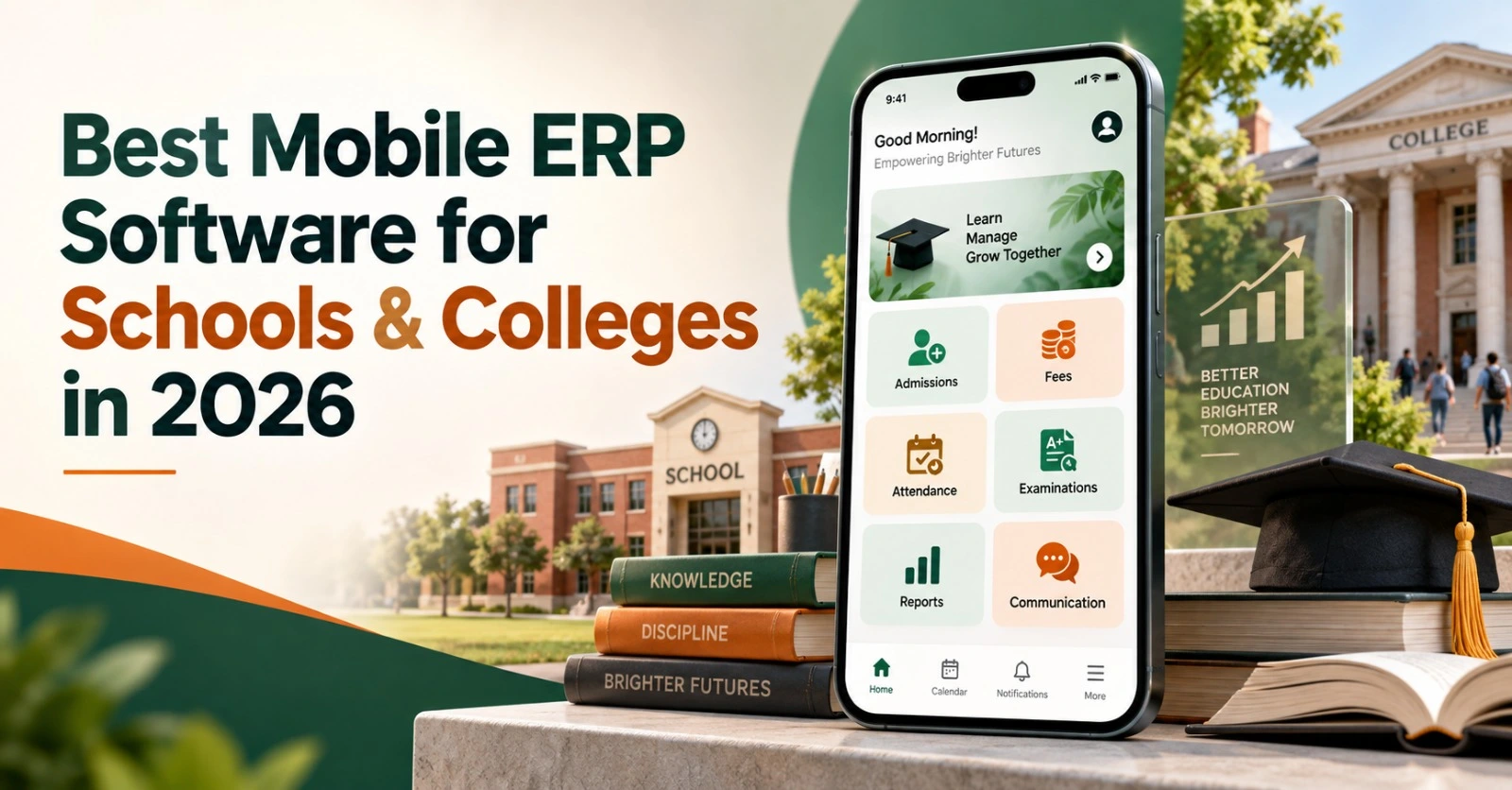
Best Mobile ERP Software for Schools & Colleges in 2026.
Managing an educational institution now involves much more than maintaining student records. Schools and colleges must coordinate admissions, fees, attendance, academics, examinations, communication, transport, staff records and management reporting while providing timely information to students and parents. When these processes run through separate tools, teams spend more time transferring data, correcting errors and answering routine questions.
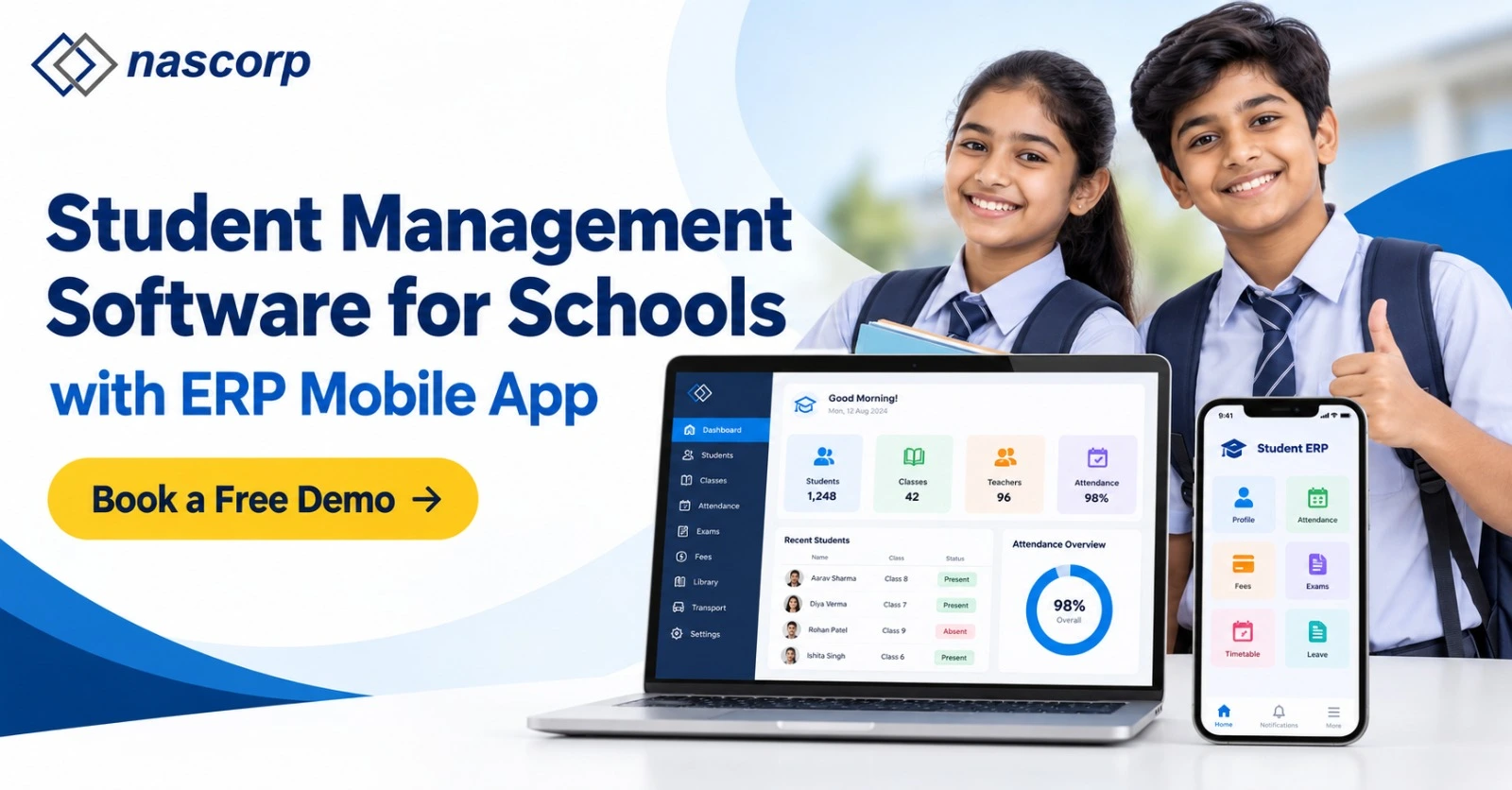
The best mobile ERP software for schools and colleges in 2026 should connect these processes through one secure platform and make relevant information available on mobile devices. It should help office teams complete administrative work, enable teachers to perform daily academic tasks, give management access to actionable reports and allow parents or students to receive updates without repeatedly contacting the institution.
However, the presence of a mobile application alone does not make an ERP suitable. Institutions should evaluate whether the application is connected with the central database, whether permissions are role-specific, whether workflows continue during peak usage and whether implementation, migration and support are clearly defined.
What Is Mobile ERP Software for Educational Institutions?
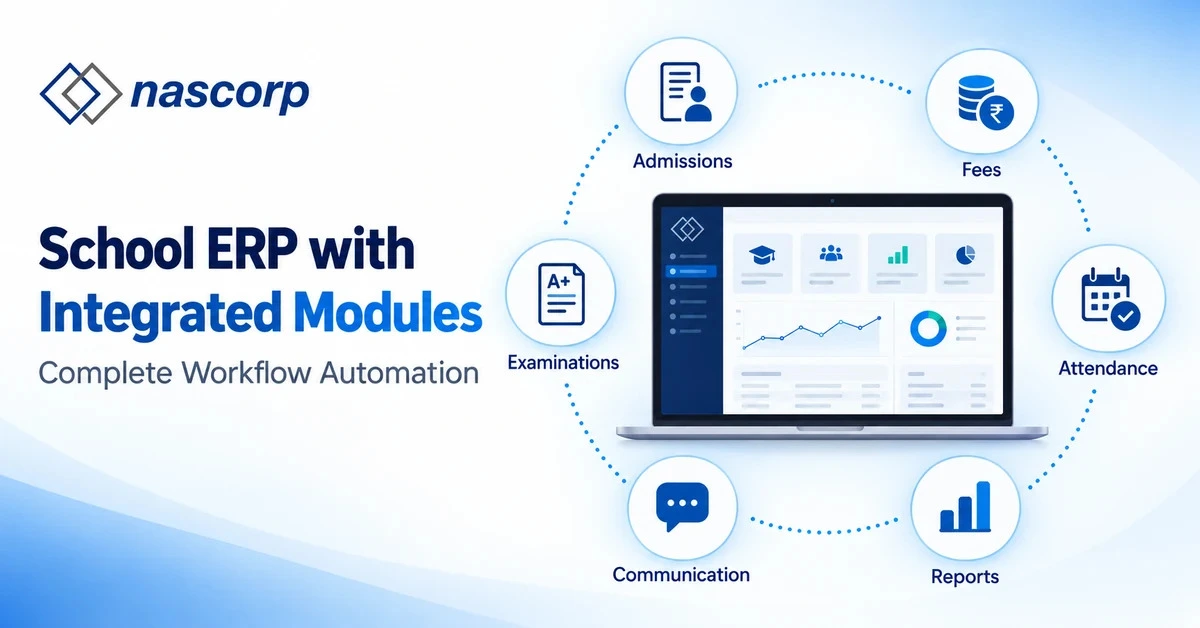
Mobile ERP software is an integrated management platform that allows authorized users to access institutional workflows through web and mobile interfaces. Instead of maintaining independent applications for fees, attendance, examinations and communication, the institution works with connected records.
For example, when an applicant completes admission and becomes an enrolled student, the approved student profile can become available for class allocation, fee assignment, attendance, academic activities, examinations and communication. Teachers, administrators, accountants, parents and students view only the information permitted for their roles.
A school ERP with mobile apps generally prioritizes parent communication, daily attendance, homework, fee receipts, circulars, examinations and report cards. A college ERP with mobile app may require more complex course structures, semester registration, credit management, departmental workflows, faculty processes and student self-service. The platform should accommodate these differences instead of forcing every institution into the same workflow.
Why Mobile ERP Has Become Important in 2026
Parents, students and staff increasingly expect essential services to be accessible without visiting an administrative office. At the same time, management teams need accurate information across departments and branches. A mobile-first ERP supports these expectations by bringing everyday actions closer to the user while keeping approved data within one system.
The business case is not limited to convenience. When mobile functions are properly connected with the ERP, they can reduce repetitive enquiries, speed up approvals, improve communication visibility and provide management with updated operational information. The value comes from connected workflows—not simply from converting a desktop dashboard into a smaller screen.
Key outcomes institutions should expect
- Faster access to attendance, fees, schedules and academic information.
- Fewer disconnected spreadsheets and duplicate student records.
- Clearer communication between administration, teachers, students and parents.
- Role-based access for principals, administrators, faculty and accounts teams.
- Better visibility into collections, attendance, results and pending actions.
- Centralized reporting for institutions operating multiple branches or campuses.
- A traceable history of important entries, approvals and changes.
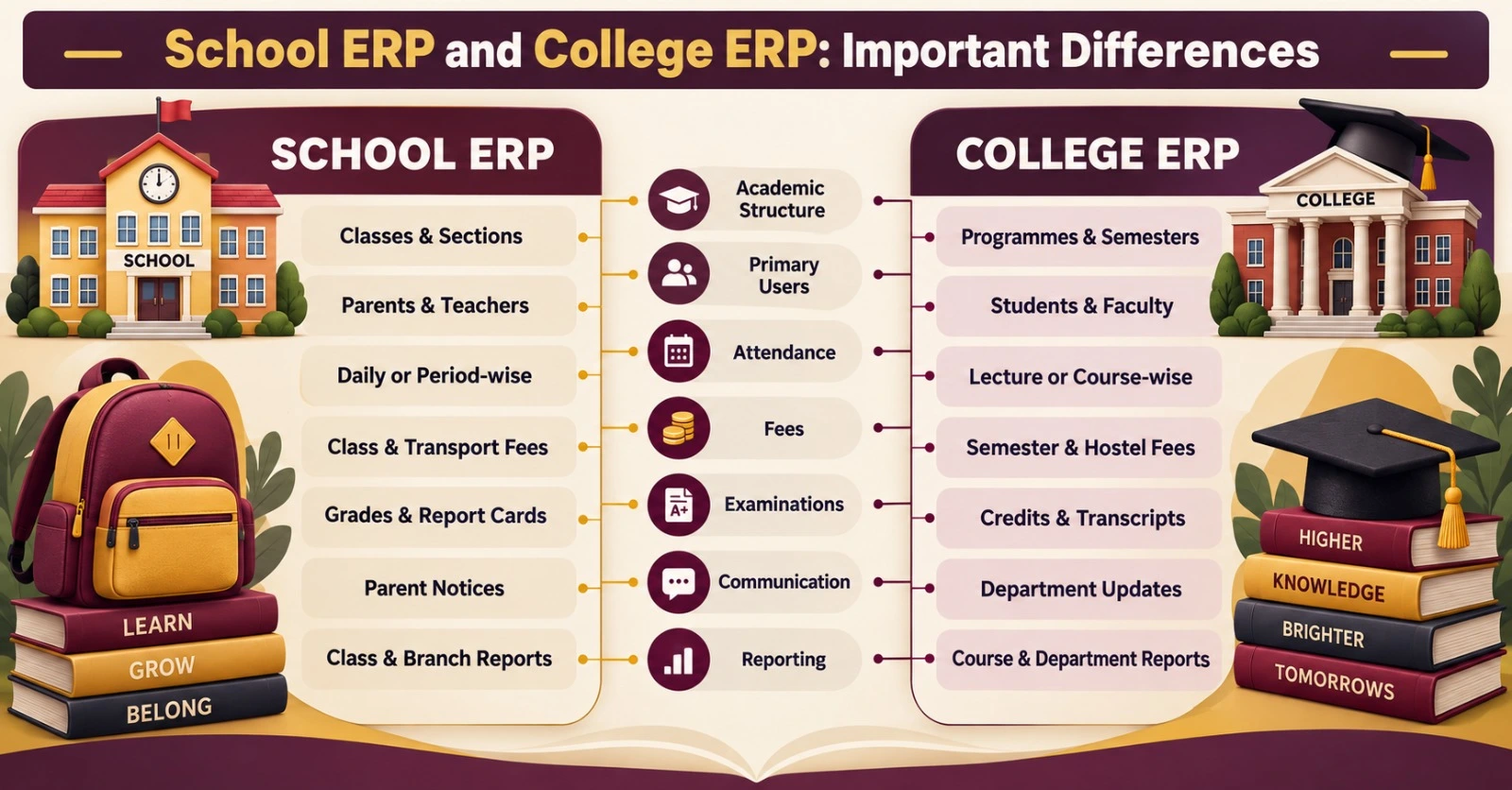
School ERP and College ERP: Important Differences
Schools and colleges share several administrative requirements, but their academic structures can differ significantly. Vendors should demonstrate how their platform handles the institution’s actual model.
| Evaluation area | Typical school requirement | Typical college requirement |
|---|---|---|
| Academic structure | Classes, sections, subjects and terms | Programmes, departments, semesters, courses and credits |
| Primary mobile users | Parents, teachers, administrators and management | Students, faculty, department teams and management |
| Attendance | Daily or period-wise student attendance | Lecture, course, practical or session-based attendance |
| Fees | Class-wise structures, transport and optional charges | Programme, semester, hostel and category-based charges |
| Examination | Marks, grades, report cards and promotion | Internal assessment, semester results, credits and transcripts |
| Communication | Parent notices, homework and circulars | Student notices, departmental updates and academic schedules |
| Reporting | Class, section, teacher and branch reports | Programme, course, faculty and department reports |
This distinction matters during product evaluation. A polished school management mobile app may still be unsuitable for a college if it cannot manage programmes, credits and semester workflows. Similarly, an overly complex university system may create unnecessary steps for a private school.
Essential Modules in the Best Mobile ERP Software
Institutions should begin with workflow requirements and then match modules to those workflows. The following capabilities form a practical evaluation framework.
Admission and enquiry management
The admission module should record enquiries, follow-up activity, application details, submitted documents, selection status and payments. Once an application is approved, the system should create a student profile without requiring teams to enter the same information again.
Mobile access can help admission teams review follow-ups and allow applicants to receive relevant updates. Institutions should check how duplicate applications, incomplete documents, cancellations and status changes are managed.
Student information system
The student information system becomes the central source for identity, contact, guardian, academic and administrative information. Schools and colleges should check whether records remain connected when a student changes a class, section, course, branch or status.
Permissions should control who can view or edit sensitive fields. The platform should also retain a meaningful history of important changes instead of overwriting data without traceability.
Fee management and online payments
A fee management mobile app should help authorized users view assigned charges, due dates, receipts, concessions and payment status. Institutions may also need online payment integration, reconciliation, refunds, transport fees, hostel charges, late fees and financial reports.
During the demonstration, request a complete workflow: assign a fee, complete an online payment, generate a receipt, reverse an incorrect transaction and review the resulting reports. This reveals more than a static fee dashboard.
Attendance management
The attendance management app should support the institution’s recording method and timetable structure. Teachers should be able to record attendance quickly, while administrators should have access to registers, trends and exception reports. Parent or student notifications should use approved attendance information and follow the institution’s communication rules.
Schools and colleges should test morning peak usage, corrections, leave records, late arrival, period-wise attendance and unauthorized changes.
Academics, homework and learning updates
Teachers may need to publish homework, lesson information, resources, assignments or class updates. Students and parents should receive only relevant content. Colleges may require course-wise materials, faculty updates, assignment submissions and departmental schedules.
The objective is not to overload the application with features. The interface should make frequent actions simple and keep academic information connected with the correct student, class, course or semester.
Examination and result management
Good examination management software should support assessment structures, marks entry, verification, result processing and publication. Schools may require customizable report cards, while colleges may need semester results, credits, grades and transcript-related workflows.
The mobile application should display only approved results. Institutions should test incorrect marks, missing entries, result withholding, re-evaluation and publication controls during the demo.
Communication and notifications
Mobile ERP can centralize circulars, notices, reminders and academic updates. Users should be able to identify the sender, date, audience and purpose of each communication. Administrators should be able to target the correct branch, department, class or user group.
Notification delivery should be tested on actual Android and iOS devices. Institutions should ask what happens when a notification fails, whether delivery information is available and whether important notices remain accessible inside the application.
HR, staff attendance and payroll
An integrated system can maintain employee profiles, attendance, leave, payroll inputs and staff documents. Faculty and staff may use the mobile application for attendance, leave requests, approvals or payslips, depending on institutional policy.
Because payroll information is sensitive, permissions, audit history and download controls require careful evaluation.
Management information system and analytics
Management dashboards should turn approved operational data into useful information. Principals, directors and department heads may need visibility into admissions, collections, attendance, academic performance and pending actions.
Mobile App Access by User Role
The same application should not expose the same functions to every user. Role-based access is essential for usability and security.
| User role | Useful mobile capabilities |
|---|---|
| Parents | Attendance, homework, dues, receipts, notices, results and transport updates |
| Students | Timetable, assignments, attendance, fees, notices, results and academic resources |
| Teachers/faculty | Attendance, homework, marks, schedules, communication and approvals |
| Administrators | Admissions, records, pending work, communication and operational reports |
| Accounts team | Collections, dues, receipts, reconciliation and authorized financial reports |
| Management | Dashboards, approvals, branch comparison, alerts and consolidated MIS |
Institutions should also test users with multiple roles. A teacher may also be a parent, and a management user may oversee several campuses. The application should manage these situations without confusing data or permissions.
How Connected Mobile ERP Workflows Operate
The best way to evaluate integration is to follow a real student journey from admission to reporting.
| Stage | Activity inside the ERP | Connected mobile outcome |
|---|---|---|
| Enquiry | Applicant details and follow-ups are recorded | Admission team can monitor pending activity |
| Admission | Documents and payment are verified | Approved student profile is created |
| Allocation | Class, section, programme or course is assigned | Student appears in relevant academic records |
| Fee setup | Applicable charges are selected | Dues and payment schedule become available |
| Attendance | Teacher records attendance | Registers, dashboards and permitted alerts update |
| Academics | Homework, assignments or marks are entered | Relevant academic information becomes available |
| Examination | Results are reviewed and approved | Report card or result is published securely |
| Reporting | Departmental data is consolidated | Management receives actionable MIS |
Ask the vendor to demonstrate changes and exceptions as well as new entries. For example, what happens when a student changes a section, withdraws mid-session, receives a refund or moves to another branch?
Security and Data Protection Checklist
Mobile access increases convenience, but it must not weaken institutional control. A reliable cloud-based education ERP should be evaluated for both application security and operational governance.
Institutions should verify:
- Role-based access and separation of responsibilities.
- Secure authentication and password policies.
- Controls for inactive, transferred and former users.
- Audit history for important entries and changes.
- Encryption practices for data in transit and storage.
- Hosting, backup frequency and recovery arrangements.
- Mobile session management and device-related controls.
- Data export, retention and deletion processes.
- Incident reporting and escalation procedures.
- Vendor access controls and support-team accountability.
A statement such as “fully secure” is not enough to evaluate risk.
Implementation and Data Migration
Even strong software can underperform if implementation is poorly planned. Before signing an agreement, define responsibilities for configuration, data preparation, validation, training, integrations, testing and go-live support.
A practical implementation may include discovery, workflow mapping, configuration, data preparation, pilot testing, user training, controlled go-live and post-launch review. The timeline should reflect the institution’s size and complexity rather than an unrealistic standard promise.
For migration, ask which records will be transferred, in what format and who will validate them. Decide how duplicate, incomplete and historical records will be handled. The institution should approve the migrated data before the new system becomes the operational source.
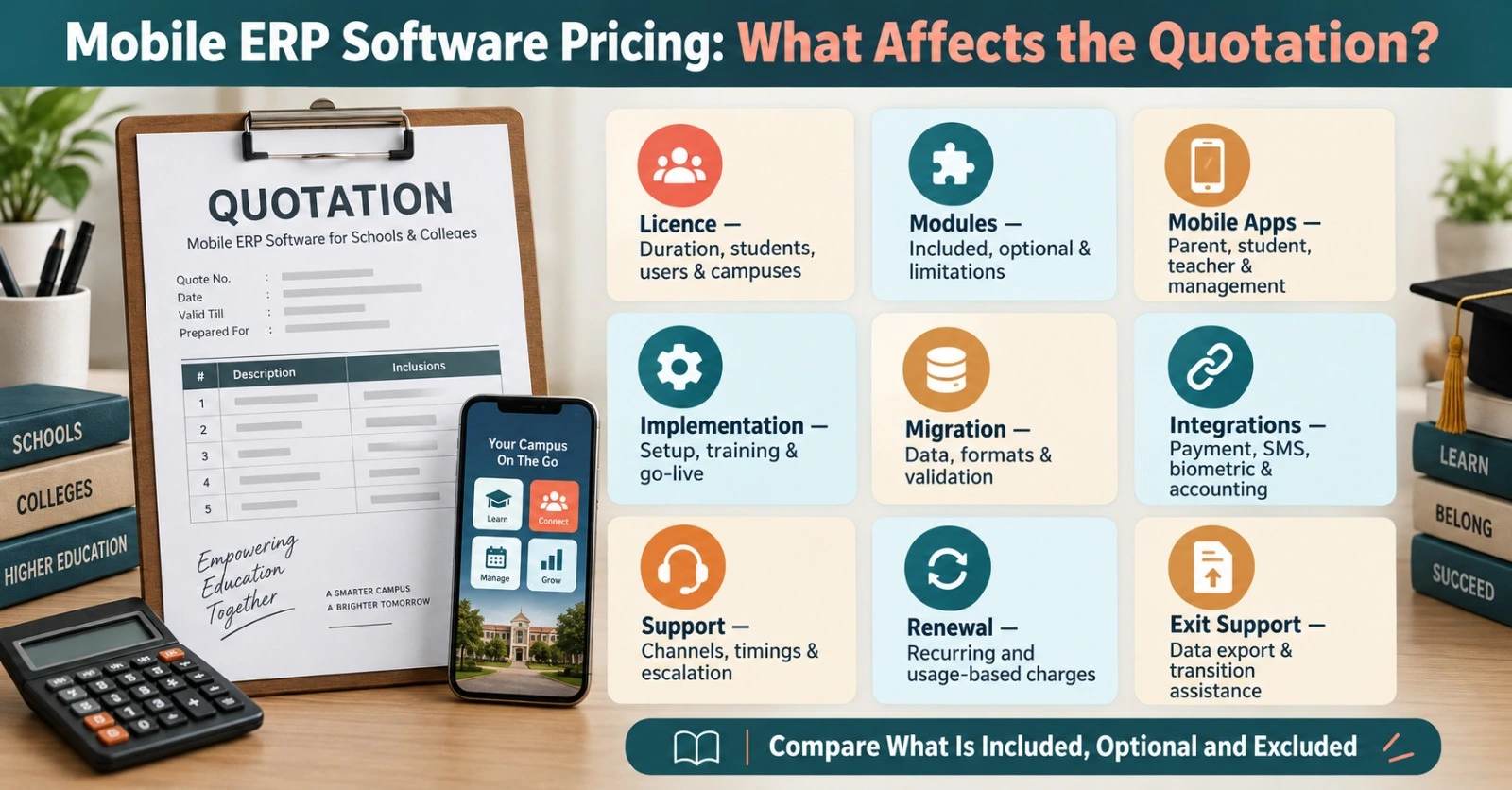
Mobile ERP Software Pricing: What Affects the Quotation?
Education ERP pricing may depend on student strength, number of branches, selected modules, mobile applications, integrations, implementation effort, migration scope, hosting and support terms. A quotation should state what is included, optional and excluded.
| Commercial item | What to confirm |
|---|---|
| Licence | Duration, student band, users and campuses covered |
| Modules | Included functions, optional modules and limitations |
| Mobile apps | Parent, student, teacher and management access |
| Implementation | Setup, configuration, training and go-live assistance |
| Migration | Data types, volume, formats and validation responsibilities |
| Integrations | Payment, SMS, biometric, accounting or other connections |
| Support | Channels, timings, escalation and response framework |
| Renewal | Recurring charges and applicable usage-based expenses |
| Exit support | Data export format and transition assistance |
Avoid comparing proposals only by the first-year price. A lower quotation may exclude training, migration, mobile apps, integrations or renewal costs that become important later.
How to Compare Mobile ERP Providers
Create one evaluation sheet and ask every shortlisted provider to respond in the same format. This makes differences easier to identify and reduces dependence on sales terminology.
Score providers on:
- Fit with actual school or college workflows.
- Ease of use for non-technical users.
- Role-based mobile experience.
- Integration between modules.
- Reporting and data-export capabilities.
- Security and permission controls.
- Implementation and migration methodology.
- Training and adoption support.
- Support escalation and service continuity.
- Commercial clarity and renewal terms.
References should be relevant to your institution type and size. A vendor serving small schools may not automatically be ready for a multi-campus college, and an enterprise platform may be unnecessarily complex for a single school.
Questions to Ask During an Education ERP Software Demo
An education ERP software demo should use real workflows instead of only showing menus. Ask the provider to demonstrate the following:
- How does an enquiry become an enrolled student record?
- How are roles and permissions created and reviewed?
- Can a parent manage more than one child?
- How does a teacher record and correct attendance?
- How are online payments reconciled and reversed?
- What happens when marks are uploaded incorrectly?
- How are report cards or semester results approved?
- Can management compare branches or departments?
- How does the app behave during peak usage?
- Which Android and iOS versions are supported?
- What data can users download from the app?
- How are former students and employees deactivated?
- What is included in implementation and training?
- How will existing records be migrated and validated?
- What support and escalation options are available after launch?
Frequently Asked Questions
1. What is the best mobile ERP software for schools and colleges?
The best option is the platform that fits the institution’s academic structure, administrative workflows, user roles, scale, security requirements and budget. It should connect mobile apps with the central ERP rather than operate as a separate information tool.
2. Can the same ERP be used by a school and a college?
It may be possible if the platform supports both class-and-section structures and programme, semester, course or credit-based workflows. Each model should be demonstrated separately.
3. Which users should receive mobile access?
Access commonly includes parents, students, teachers, faculty, administrators, accounts teams and management. Functions and data should differ by role.
4. Does a mobile ERP support online fee payment?
Many platforms support payment integrations, receipts, dues and reconciliation. Institutions should verify payment reversal, refund and settlement workflows.
5. Can parents manage multiple children in one application?
A capable parent application should allow authorized guardians to switch between linked children without maintaining unnecessary separate accounts.
6. Can teachers enter attendance and marks through a phone?
This depends on the configured permissions and application capabilities. Institutions should test these tasks on actual devices during the demo.
7. Is mobile ERP suitable for institutions with 1,000+ students?
Yes, provided the vendor can demonstrate performance, bulk operations, permissions, reporting and support suitable for the required scale.
8. Can multi-branch institutions use one centralized ERP?
A multi-branch platform can provide centralized controls with branch-level permissions and consolidated reporting. The exact structure should be tested during evaluation.
9. Can existing ERP data be migrated?
Migration may be possible after reviewing data formats, quality, volume and mapping requirements. The proposal should define the scope and validation responsibilities.
10. How long does mobile ERP implementation take?
The timeline depends on modules, institution size, branches, integrations, migration and training. A phased plan is usually more credible than an identical timeline for every institution.
11. Does mobile ERP replace a learning management system?
Not always. ERP primarily manages institutional operations, while an LMS focuses on teaching and learning delivery. Some platforms include overlapping features or integrations.
12. Is a customized mobile app necessary?
Customization can be useful for branding and institution-specific requirements, but the school or college should assess its operational value, cost and maintenance impact.
13. What reports should management receive?
Useful reports may cover admissions, collections, outstanding fees, attendance, academic performance, staff activity and branch or department comparisons.
14. How should institutions compare ERP pricing?
Compare the complete commercial scope, including licences, modules, apps, setup, migration, training, hosting, integrations, support, renewals and exit assistance.
15. Should we request a demo before asking for a quotation?
Yes. A workflow-based demonstration helps the institution confirm its required modules and allows the provider to prepare a more relevant quotation.
Final Evaluation Checklist
The best mobile ERP software for schools and colleges in 2026 should deliver connected workflows, not just a collection of screens. It should provide relevant mobile access, centralized records, role-based permissions, practical reporting, clear implementation and dependable support.
Before selecting a provider, involve the people who will use the system daily. Test routine actions, peak-load periods and unusual cases. Review the commercial proposal alongside the implementation and migration scope. Most importantly, confirm whether the system reduces administrative effort and improves access to reliable information.
Nascorp Technologies provides integrated School ERP and mobile application solutions for educational institutions. Schools evaluating a new platform or planning to replace an existing ERP can request a workflow-based demonstration and module-wise quotation.
Book a personalized School ERP and mobile app demo: Request a Free Demo or call +91 9212871807.