Compare School ERP Software Providers Before Requesting a Demo
Best ERP Software Provider for CBSE & Private Schools in India
Managing a CBSE or private school involves much more than maintaining student records. Schools must handle admissions, attendance, fee collection, examinations, report cards, parent communication, transport, staff management, payroll, and many other day-to-day tasks.
A reliable school ERP software provider brings these operations together on a single digital platform. Instead of depending on multiple applications, spreadsheets, and manual processes, schools can use one centralized system to manage academic and administrative activities efficiently.
However, with many school ERP software companies operating in India, selecting the right solution can be challenging. Schools need to evaluate not only features and pricing but also implementation support, data security, customization, mobile accessibility, training, and after-sales support.
This guide explains what CBSE and private schools should consider when choosing the Best School ERP Software in India, especially when implementing a new system or planning to Upgrade Existing School ERP.
What Is School ERP Software?
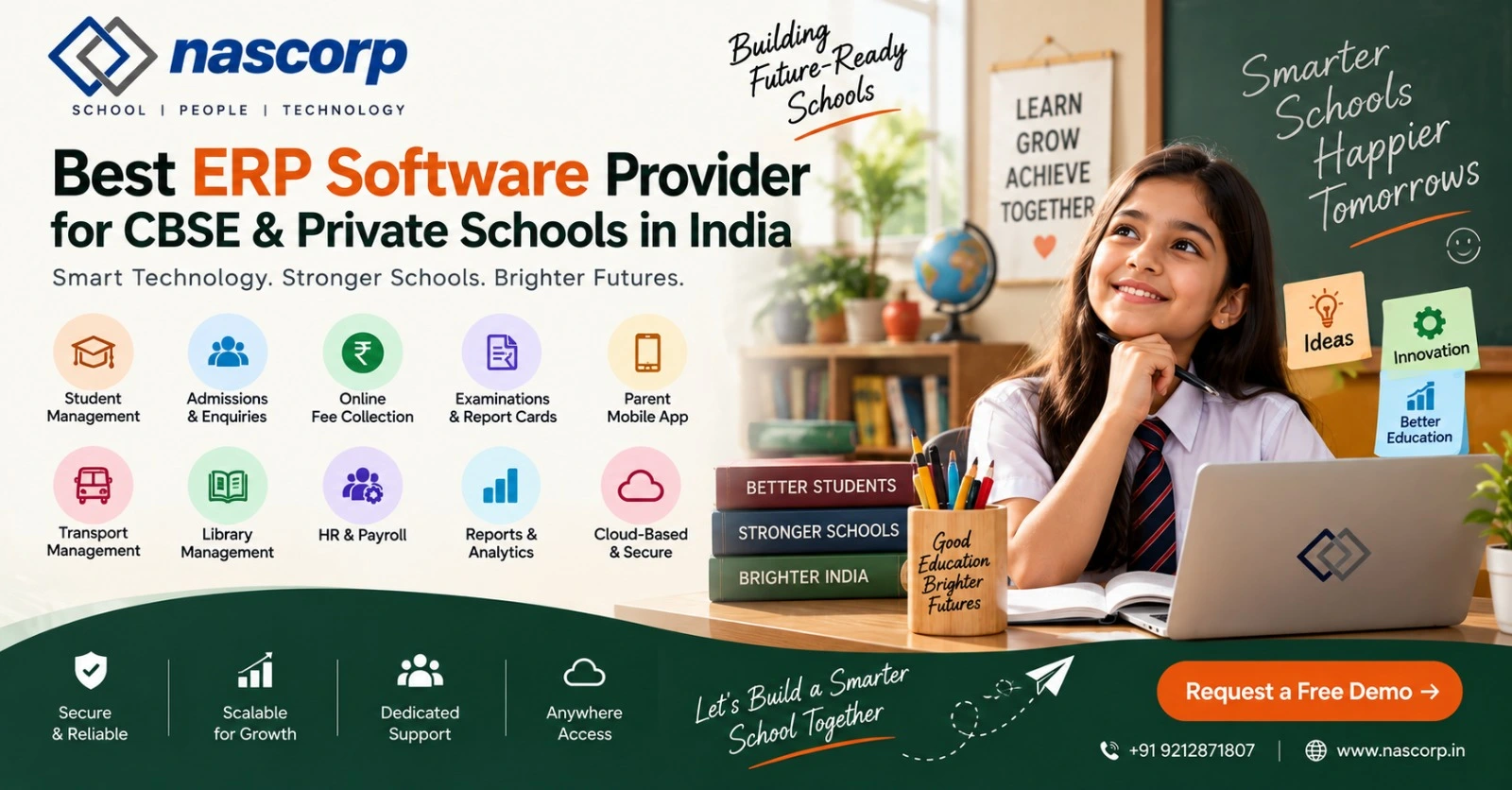
School ERP (Enterprise Resource Planning) software is a centralized platform that automates and manages a school's academic, administrative, financial, and communication processes.
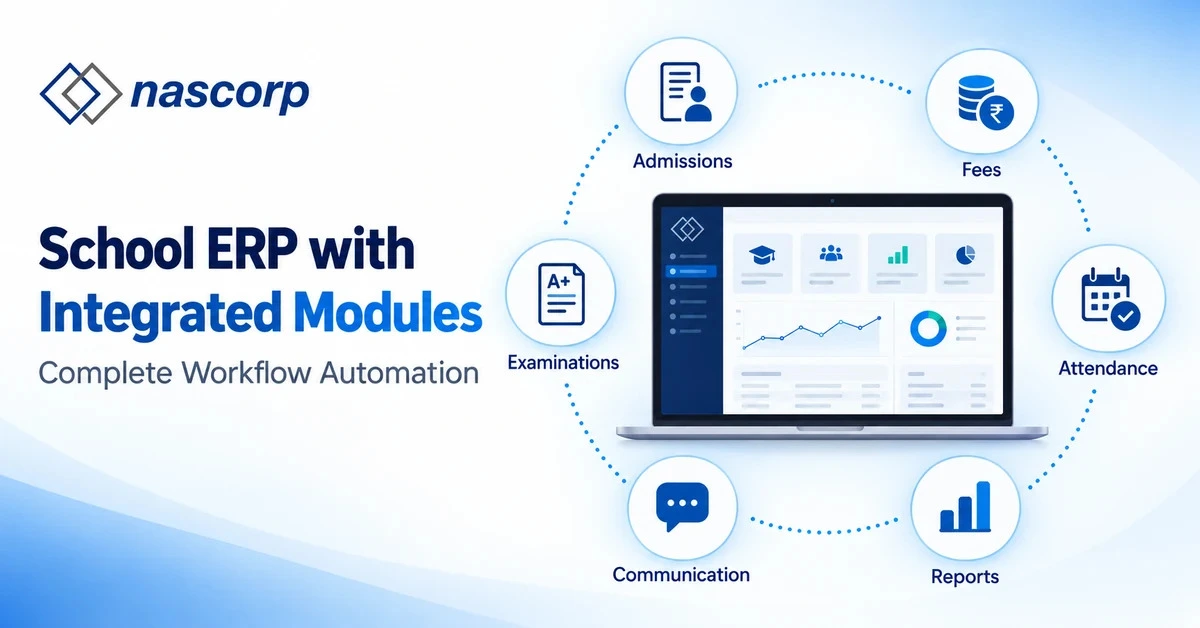
A comprehensive school ERP can include modules for:
- Student information management
- Online admissions and enquiries
- Student and staff attendance
- Online fee collection
- Examination management
- Report card generation
- Homework and lesson planning
- Parent-teacher communication
- Transport management
- Library management
- HR and payroll
- Staff leave management
- School announcements
- Mobile applications
- Management reports and analytics
For CBSE and private schools, an integrated ERP system can reduce repetitive administrative work while providing management with better visibility into school operations.
Why Do CBSE & Private Schools Need School ERP Software?
As student strength and administrative requirements increase, manual processes become increasingly difficult to manage.
For example, separate systems for attendance, fees, examinations, and communication can create duplicate records and make reporting more complicated.
A centralized ERP creates a single source of information for authorized school staff.
Centralized Student Records
Schools can maintain student profiles, admission details, academic history, attendance, fee records, examination results, and other relevant information within one system.
Authorized users can access updated information without searching through multiple files or software applications.
Faster Fee Management
Fee management is one of the most important administrative activities for private schools.
A School ERP can support:
- Fee structure configuration
- Online fee payment
- Payment receipts
- Outstanding fee tracking
- Concession management
- Fee reminders
- Collection reports
This makes it easier for accounts teams and management to monitor fee collection.
Better Parent Communication
Parents increasingly expect timely information about their child’s education.
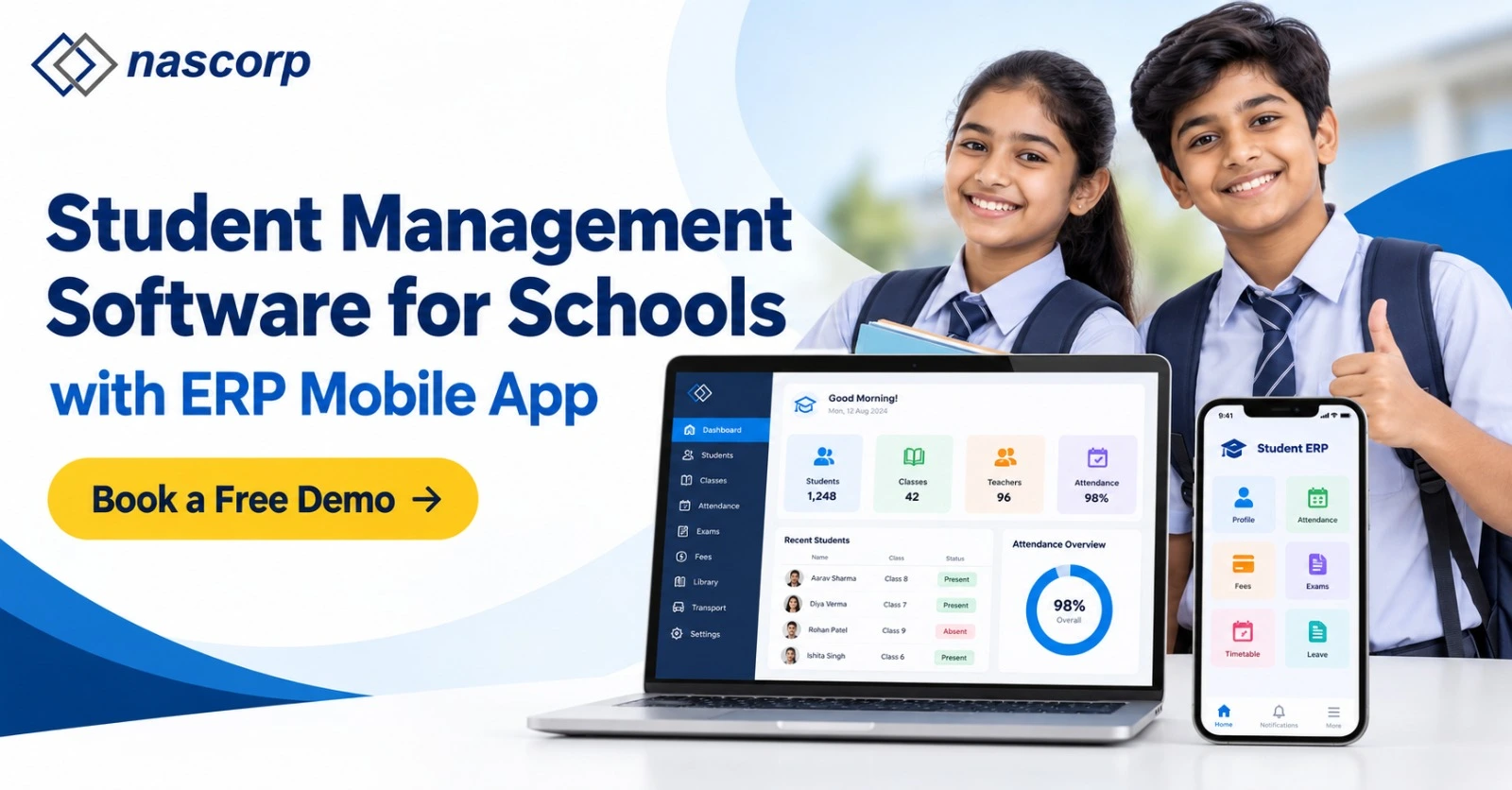
A school ERP with a parent mobile app can provide updates related to attendance, homework, notices, examinations, results, fee reminders, and school announcements.
Simplified Examination & Report Card Management
CBSE and private schools conduct multiple assessments throughout an academic session.
An ERP can help schools configure examinations, enter marks, calculate results, prepare reports, and generate report cards according to the school’s academic requirements.
Which ERP Software Is Best for School?
Which ERP software is best for school? The answer depends on the school’s size, board, operational requirements, existing processes, number of branches, required integrations, and budget.
Instead of choosing software simply because it has a long feature list, schools should evaluate whether the ERP fits their actual workflow.
A suitable school ERP should ideally provide:
- Required academic and administrative modules
- Cloud-based accessibility
- Parent and staff mobile applications
- User-friendly dashboards
- Role-based access
- Data security controls
- Implementation and onboarding assistance
- Data migration support
- Staff training
- Reliable customer support
- Reporting and MIS capabilities
- Scalability as the school grows
The best ERP for schools in India is therefore not necessarily the system with the largest number of modules. It is the system that aligns well with the school’s processes and can be successfully adopted by administrators, teachers, parents, and management.
Important Qualities of India's Top School ERP Software.
Before finalizing a school ERP software provider, schools should evaluate several core capabilities.
1. Admission & Enquiry Management
The ERP should help schools capture enquiries, manage prospective students, process applications, and convert successful applications into student records.
This can reduce duplicate data entry during the admission process.
2. Student Information System
A centralized Student Information System should maintain essential information such as:
- Student profile
- Parent details
- Class and section
- Contact information
- Attendance
- Fee information
- Academic performance
- Documents
- Historical records
3. Attendance Management
Schools should be able to manage student and staff attendance efficiently.
Depending on the implementation, attendance information can also be made available to parents through the mobile application.
4. Online Fee Management
A modern school ERP should make fee administration easier for both schools and parents.
Schools should look for configurable fee structures, online payments, receipts, dues tracking, reminders, concessions, and financial reports.
5. Examination & Report Card Management
For CBSE schools in particular, examination configuration and report card management can be complex.
The ERP should support the school’s assessment structure rather than forcing the institution to completely redesign its academic process around the software.
6. School Mobile App
A mobile application improves accessibility for parents, teachers, students, and administrators.
Depending on user permissions, a mobile app may provide:
- Attendance updates
- Homework
- Notices
- Circulars
- Fee information
- Examination schedules
- Results
- School announcements
7. Transport Management
Schools operating buses can use transport modules to maintain route, vehicle, stop, and student allocation information.
8. HR & Payroll
School ERP software can also simplify employee administration by managing staff profiles, attendance, leave, payroll, and related records.
9. Reports and School MIS
School owners, principals, and directors need meaningful information rather than raw data.
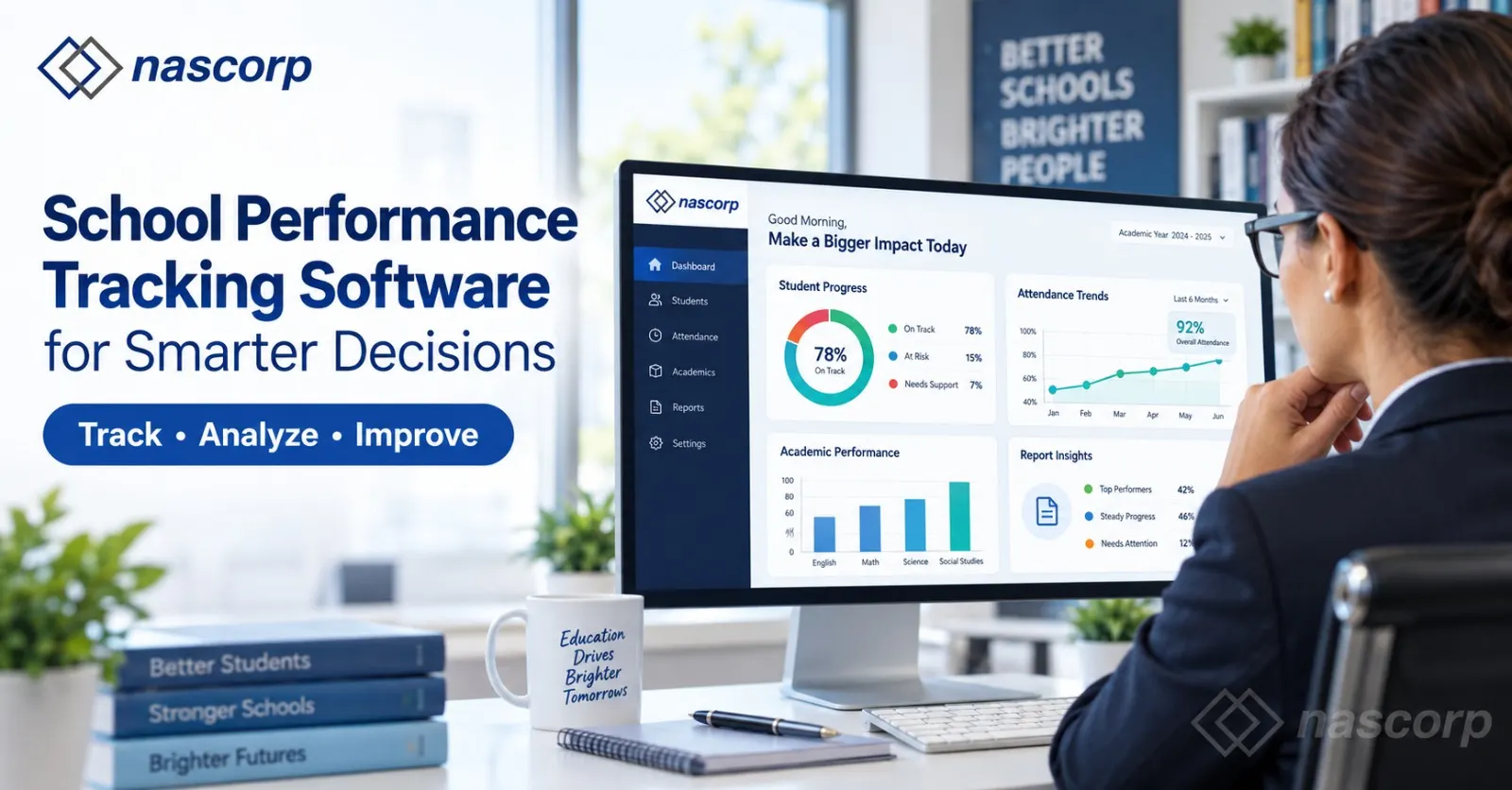
The ERP should provide reports that help management monitor areas such as student strength, attendance, fee collection, outstanding dues, admissions, and academic performance.
School ERP for CBSE Schools
CBSE schools often require structured management of academics, examinations, student records, attendance, and communication.
A flexible ERP should allow the school to configure processes according to its academic structure.
Schools should specifically check whether their shortlisted provider can support:
- Multiple classes and sections
- Different assessment structures
- Examination configuration
- Report card formats
- Academic session management
- Student promotion
- Teacher workflows
- Parent communication
- School-specific reports
A demonstration using the school’s actual requirements is more useful than evaluating only generic product screenshots.
School ERP for Private Schools
Private schools may have significantly different workflows depending on student strength, fee structures, branches, management policies, and academic systems.
Therefore, private schools should look for a configurable ERP rather than a rigid one-size-fits-all product.
For growing institutions, scalability is particularly important. The ERP selected today should be capable of supporting increasing student numbers, additional users, new modules, and potentially multiple branches.
When Should You Upgrade Existing School ERP?
Many institutions already have ERP software but continue to face operational problems.
Schools may need to Upgrade Existing School ERP when the current platform:
- Is slow or difficult to use
- Requires excessive manual work
- Does not provide a useful mobile application
- Has limited reporting capabilities
- Cannot support current school processes
- Provides inadequate customer support
- Creates frequent data-management problems
- Does not scale with student growth
- Requires separate software for important operations
- Has outdated interfaces or workflows
Replacing an existing system requires more planning than implementing ERP for the first time because historical school data may need to be migrated.
How to Upgrade Existing School ERP Without Losing Important Data
Data migration should be discussed before signing an agreement with a new provider.
Schools should identify which records need to be transferred, such as:
- Student master data
- Parent information
- Staff records
- Fee records
- Academic history
- Attendance information
- Transport information
- Previous examination records
The new provider should clearly explain what information can be migrated, its required format, validation procedures, responsibilities, and expected implementation stages.
Schools should also maintain appropriate backups of the existing system before migration.
How to Compare School ERP Software Companies
Searching for top school ERP software in India, top 10 best school ERP software in India, or even best school ERP in the world can produce many different lists.
Such lists can be useful for discovering vendors, but they should not be the sole basis for selecting an ERP.
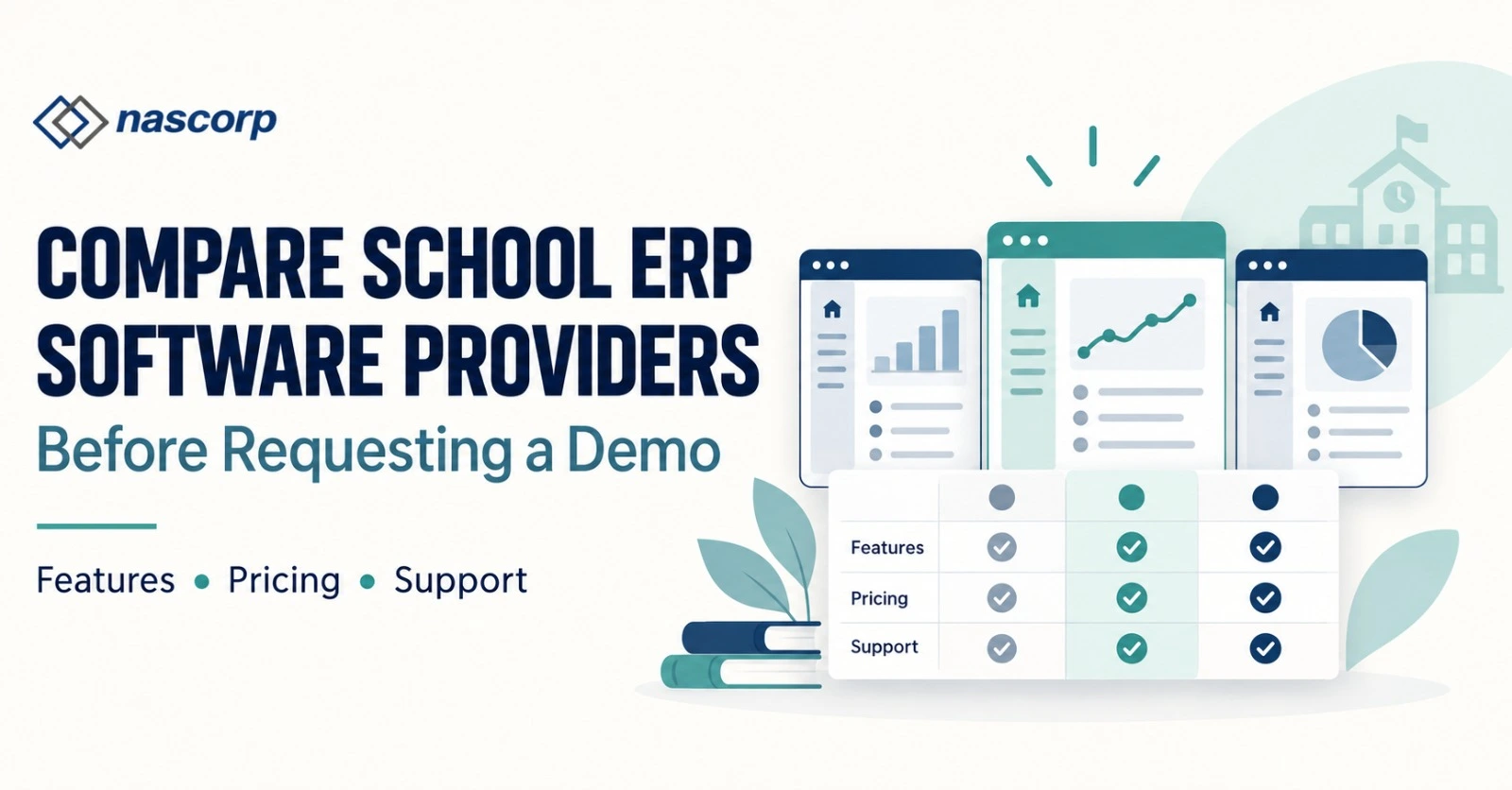
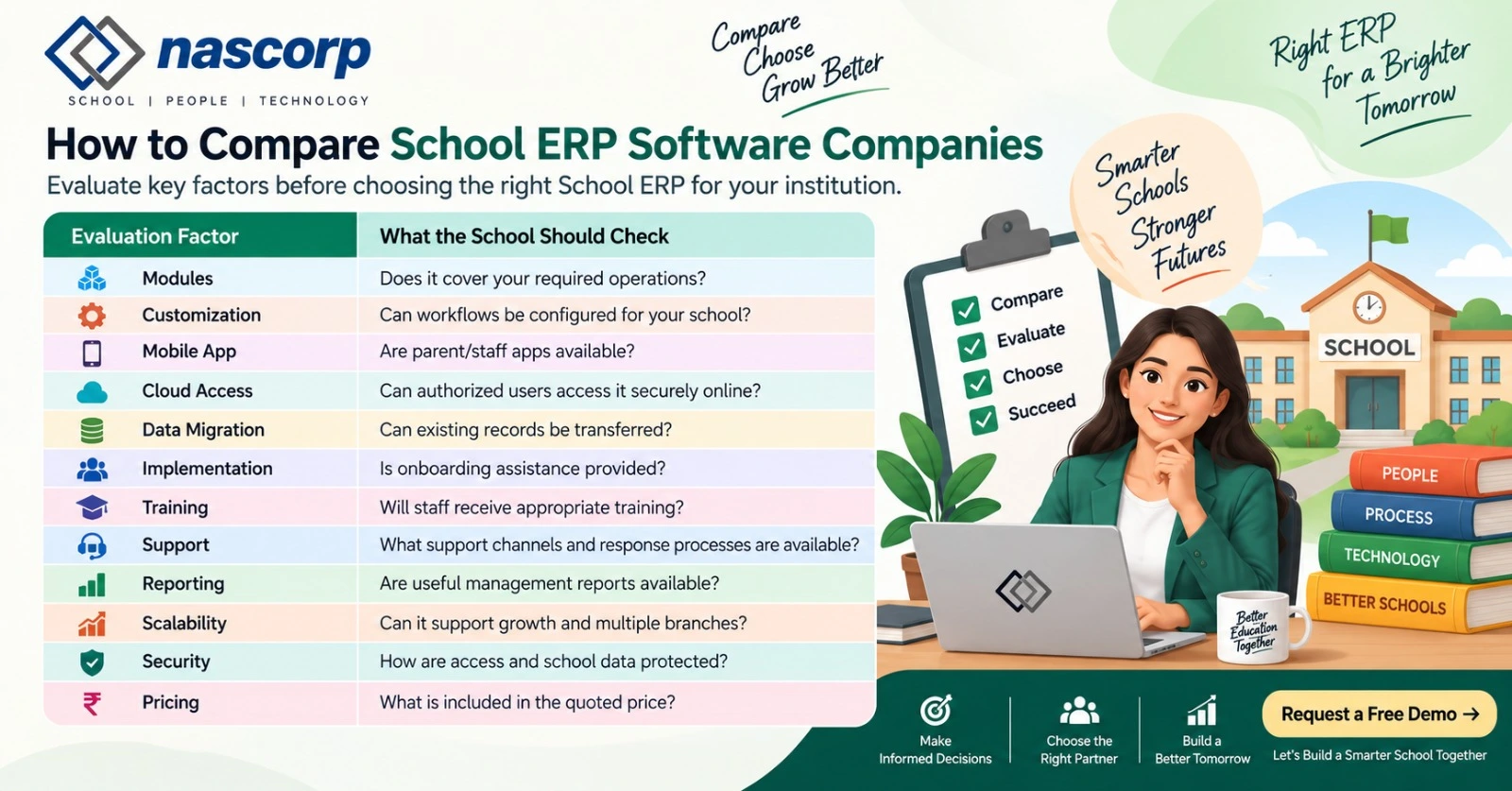
Instead, compare shortlisted school ERP software companies using criteria relevant to your institution.
| Evaluation Factor | What the School Should Check |
| Modules | Does it cover your required operations? |
| Customization | Can workflows be configured for your school? |
| Mobile App | Are parent/staff apps available? |
| Cloud Access | Can authorized users access it securely online? |
| Data Migration | Can existing records be transferred? |
| Implementation | Is onboarding assistance provided? |
| Training | Will staff receive appropriate training? |
| Support | What support channels and response processes are available? |
| Reporting | Are useful management reports available? |
| Scalability | Can it support growth and multiple branches? |
| Security | How are access and school data protected? |
| Pricing | What is included in the quoted price? |
Top 10 ERP Software in India: Should Schools Simply Choose from a Ranking?
Schools frequently search for top 10 ERP software in India, but general-purpose ERP platforms and school-specific ERP systems serve different requirements.
A school needs workflows designed around students, parents, teachers, fees, examinations, attendance, academic sessions, and school communication.
Therefore, rather than treating a generic ranking as a final recommendation, schools should shortlist solutions based on their requirements and conduct demonstrations with actual users.
Questions to Ask a School ERP Software Provider Before Buying
- Can the ERP handle our current student strength?
- Is it suitable for CBSE or our school’s academic structure?
- Can our existing data be migrated?
- Is a parent mobile app included?
- Are Android and iOS applications available?
- Can fee structures be customized?
- Can our report card format be configured?
- Does the ERP support multiple branches?
- What implementation assistance is provided?
- What training is available for school staff?
- How does customer support work?
- Are there additional charges for specific modules or services?
- How is user access controlled?
- Can management access reports remotely?
Why Implementation Support Matters
Even feature-rich software can fail to deliver expected benefits if implementation is poorly managed.
A structured implementation process generally involves requirement analysis, configuration, data preparation, migration where required, testing, training, and go-live support.
Schools replacing an old ERP should pay particular attention to implementation because users already have established workflows and historical data.
Cloud-Based School ERP vs Traditional School Software
Cloud-based systems allow authorized users to access the ERP through the internet without depending entirely on software installed on a particular school computer.
This can provide greater flexibility for school management and staff.
However, schools should still evaluate security controls, permissions, backups, availability, support, and the provider’s data-handling practices before adopting a platform.
Why Mobile App Integration Is Important
Parents increasingly interact with schools through smartphones.
A School ERP with an integrated mobile application can create a direct communication channel between the institution and parents.
Instead of relying entirely on printed notices or separate messaging systems, schools can make relevant information available through the application.
This can include attendance, homework, circulars, fee information, examination schedules, and results depending on the ERP configuration.
Nascorp Technologies as a School ERP Software Provider
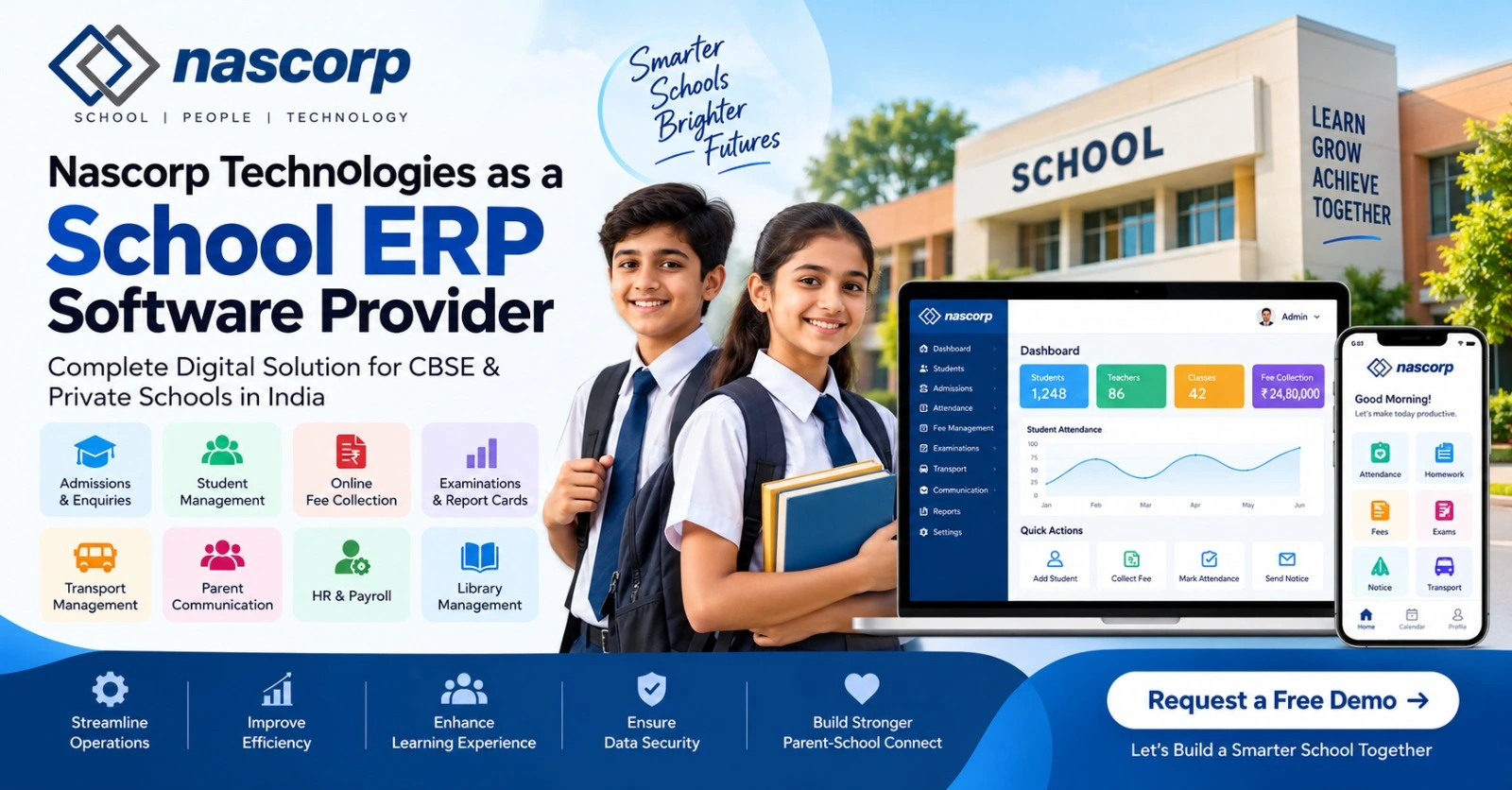
Nascorp Technologies provides School ERP and mobile app solutions designed to help educational institutions manage academic and administrative processes through an integrated system.
Schools evaluating Nascorp should assess the platform against their own requirements, including required modules, implementation, data migration, mobile applications, training, reporting, and support.
For institutions planning to implement a new ERP or Upgrade Existing School ERP, a requirement-based product demonstration can help determine whether the platform fits the school’s processes.
Looking for a School ERP for your CBSE or private school? Request a product demonstration and evaluate the system using your school’s actual requirements.
Frequently Asked Questions
Which ERP software is best for school?
The best ERP depends on the school’s requirements. Schools should compare modules, usability, mobile applications, implementation, data migration, reporting, security, training, scalability, support, and pricing before selecting a provider.
What is the Best School ERP Software in India?
There is no single platform that is automatically the best fit for every institution. A school should select an ERP that supports its board, student strength, workflows, required modules, budget, and future growth.
What does a school ERP software provider do?
A school ERP provider supplies software for managing school operations and may also provide implementation, configuration, training, data migration, mobile applications, technical support, and maintenance depending on the service agreement.
How do I compare school ERP software companies?
Create a requirements checklist and compare vendors on functionality, implementation, migration, support, mobile apps, security, reporting, scalability, and total cost.
Can CBSE schools use ERP software?
Yes. ERP software can be used by CBSE schools to manage processes such as student information, attendance, fees, examinations, report cards, communication, transport, and staff administration.
Can private schools use School ERP?
Yes. Private schools can use ERP systems to centralize academic, administrative, financial, and communication activities.
Can we upgrade our existing School ERP?
Yes. Schools can replace or upgrade an existing ERP, but they should plan data migration, backups, configuration, testing, user training, and the transition process carefully.
Can old school data be migrated to a new ERP?
Often yes, but migration depends on the format, quality, accessibility, and compatibility of the existing data. The new provider should assess the data before confirming what can be transferred.
Does School ERP include a mobile app?
Many modern School ERP platforms offer mobile applications, but availability and functionality vary between providers. Schools should confirm which apps and features are included.
Is cloud-based School ERP suitable for multiple branches?
It can be. Schools with multiple branches should verify whether the ERP provides centralized management, branch-specific permissions, consolidated reporting, and scalable infrastructure.
What should schools check before requesting an ERP demo?
Prepare information about student strength, number of branches, board, existing software, required modules, major operational problems, data migration requirements, and expected mobile app features.
How much does School ERP software cost in India?
Pricing varies based on student strength, modules, implementation requirements, mobile apps, customization, support, and other services. Schools should request a detailed quotation explaining what is included.
Conclusion
Selecting the right school ERP software provider requires more than searching for the top 10 best school ERP software in India.
CBSE and private schools should first identify their operational challenges and then compare providers based on functionality, usability, implementation, migration, support, mobile accessibility, security, scalability, and cost.
For schools planning to Upgrade Existing School ERP, data migration and implementation support should receive particular attention.
A detailed product demonstration based on real school workflows can help administrators, principals, directors, and IT teams determine whether a School ERP solution is suitable before making a final purchasing decision.
Ready to evaluate a new School ERP? Book a demo and compare the platform against your school’s actual requirements.