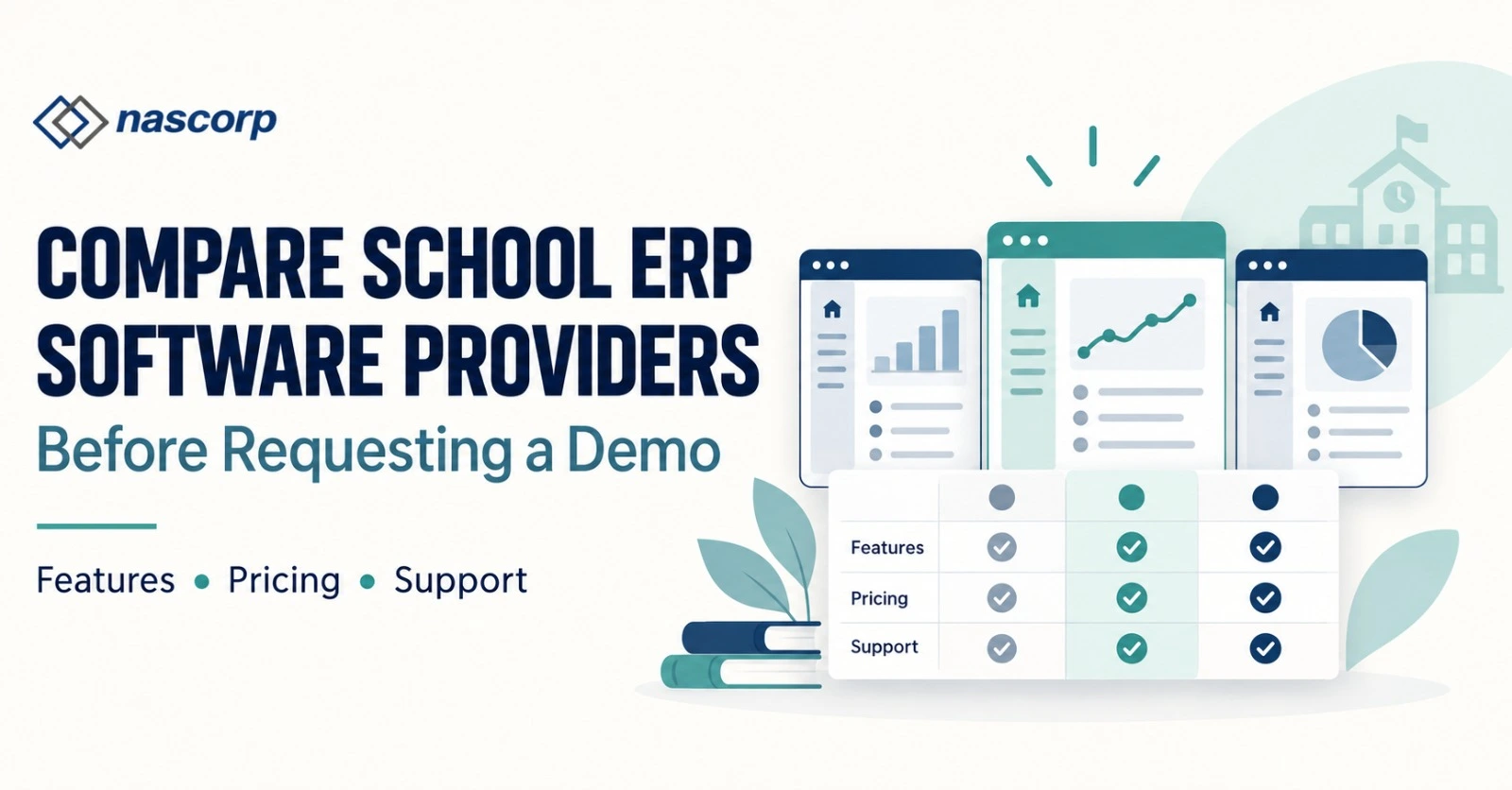
Compare School ERP Software Providers Before Requesting a Demo
School Management App in India – Features, Pricing & Demo
Looking for a school management app for your school? Nascorp offers integrated School ERP software with parent and teacher mobile applications. Explore features for fees, attendance, homework and communication, and request a personalized demo and quotation.
Selecting school ERP software in India requires more than comparing feature lists. School owners, principals, directors, administrators and IT heads need to understand how a platform will support their institution’s daily work. They also need clarity about implementation, employee training, data migration, pricing and ongoing support.
Nascorp Technologies offers School ERP software with connected modules and mobile applications. Schools can evaluate the platform against their actual requirements and discuss the configuration, integrations and services included in a proposed package.
Whether your institution is introducing its first ERP or reviewing an existing system, start with the problems you want to solve. A demonstration becomes more useful when it follows your admission process, fee structure, report-card requirements and communication workflows.
Bring Your School’s Departments into a Connected Workflow
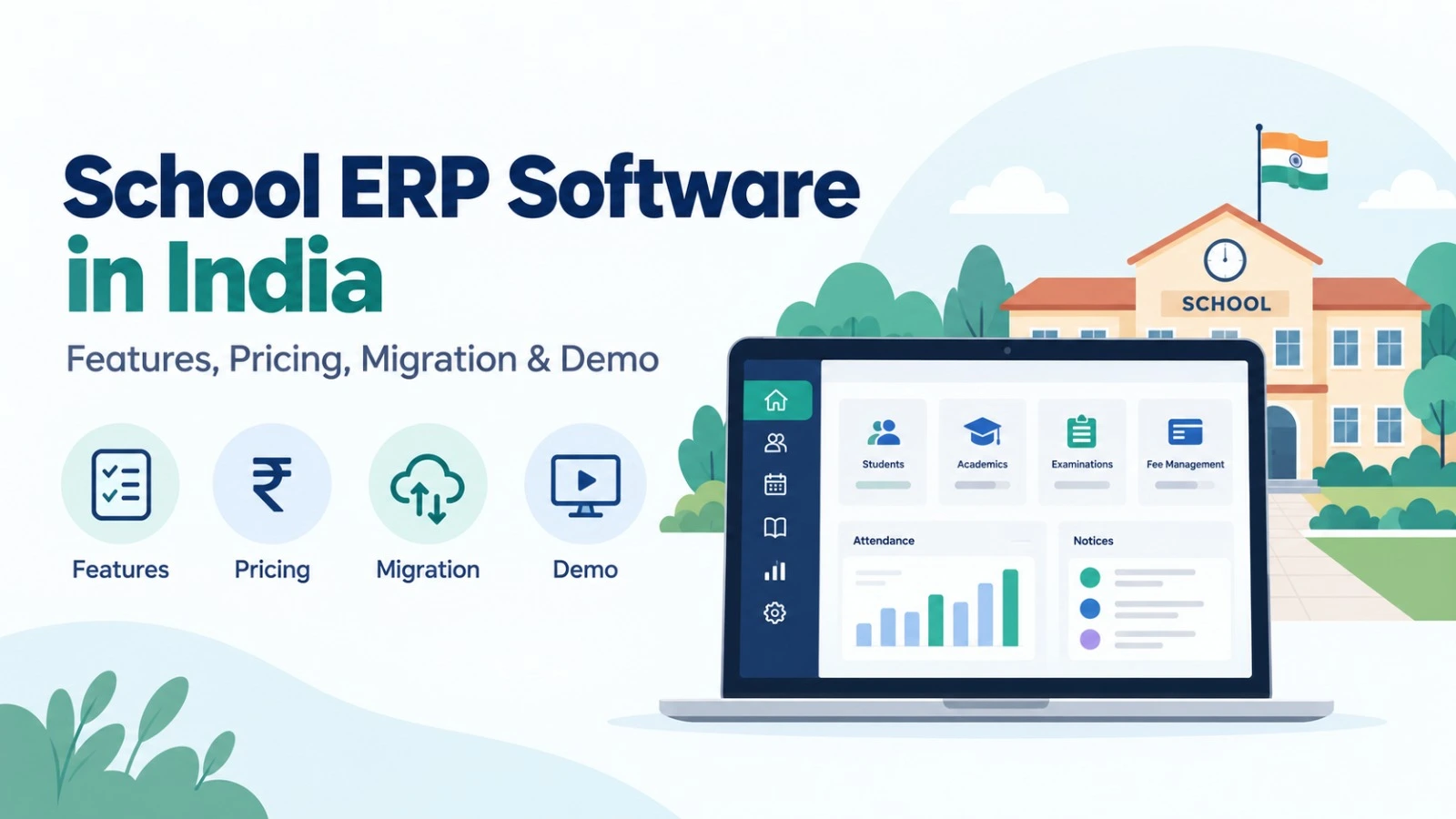
A school generates information throughout the academic year. Admission teams collect applications, teachers maintain attendance and assessment records, accounts teams manage payments, and administrators coordinate communication and reporting. These responsibilities overlap, so information should move between relevant departments without unnecessary duplication.
Consider a newly admitted student. The school may need to create a student profile, assign fees, allocate a class and section, record transport requirements and establish parent access. An integrated school ERP solution should be evaluated through this complete sequence.
Ask the provider to demonstrate who enters the information, how it is checked, which departments can access it and how corrections are handled. This reveals more about product fit than a presentation showing separate screens without explaining their relationship.
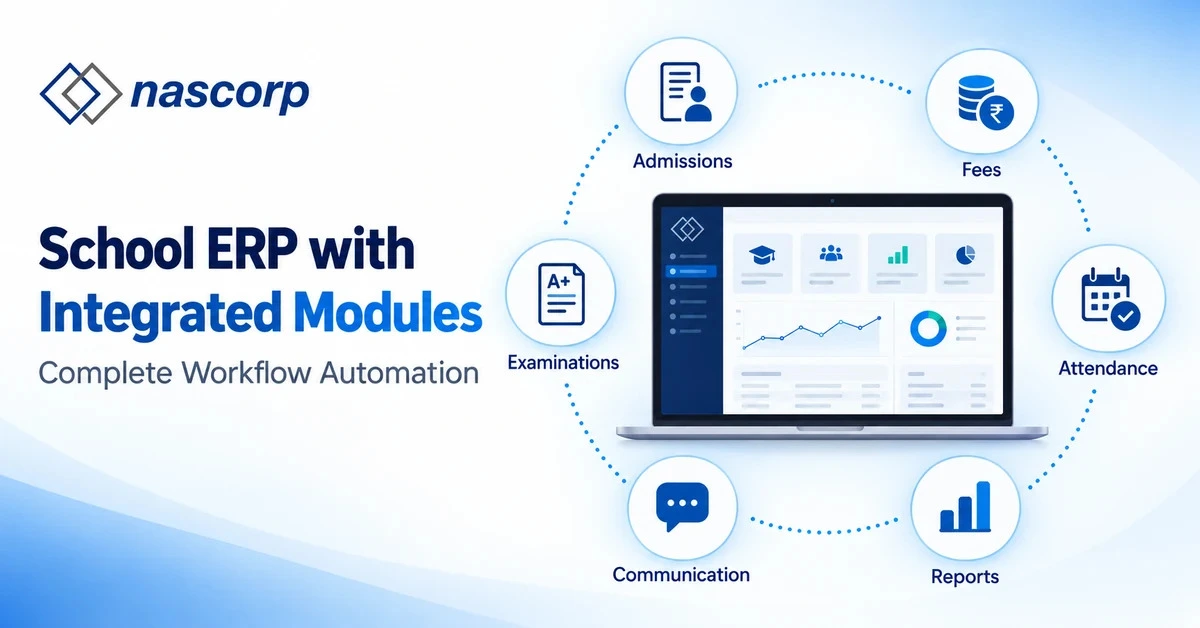
Nascorp’s product information describes modules for student management, admissions, fees, online payments, attendance, assessments, report cards, homework, communication, transport, library, inventory, hostel administration, HR and payroll. Confirm the modules and functions included in your quotation before making a purchase decision.
Book a Nascorp demo using your school’s actual workflow requirements.
Choose School ERP Around Your Institution, Wherever You Operate
Schools across India share many administrative responsibilities, but individual requirements differ. Student count, school board, branches, fee policies, employee roles and existing systems all affect the evaluation. Location should help establish implementation context, while the school’s workflows should guide product selection.
Institutions researching school ERP software in Uttar Pradesh can begin by reviewing admissions, fee management and academic reporting together. A school in Lucknow, Meerut, Noida or Ayodhya should bring sample records and reports to the demonstration. Buyers comparing school ERP software in Rajasthan, including school ERP software in Jaipur, can follow the same approach while discussing their specific configuration and delivery requirements.
For schools evaluating school ERP software in Bihar, the consultation can focus on connecting student records with fees, attendance and communication. Institutions considering school ERP software in Jharkhand should also assess permissions and reporting, while buyers exploring school ERP software in Chhattisgarh can discuss how current spreadsheets or software records would be prepared for implementation.
School teams researching school ERP software in Madhya Pradesh should test the processes that matter to their employees. Schools in Bhopal, Indore, Gwalior or other cities can ask how authorized departments share information and retrieve reports. Institutions comparing school ERP software in Maharashtra and school ERP software in Gujarat should include their fee structures, academic configuration and required integrations in the evaluation.
For buyers searching for school ERP software in Goa, parent access and communication may form part of the demonstration alongside administration. Schools evaluating school ERP software in Punjab can review admission stages and notification workflows. Institutions considering school ERP software in Haryana should clearly identify payment, accounting, biometric or transport integrations they want the provider to assess.
Schools researching school ERP software in Himachal Pradesh and school ERP software in Uttarakhand should test access using their intended devices and connections. Where hostel or transport management is required, include those processes in the demonstration. Confirm the relevant modules, configuration, training and support arrangements rather than assuming that every function is included by default.
Evaluate Academic Configuration and Everyday User Access
Academic requirements deserve detailed attention before selecting a platform. Schools may use different assessment structures, grading rules, report-card formats and approval processes. The provider should demonstrate how the proposed system handles those requirements.
Institutions comparing school ERP software in Tamil Nadu can review assessments, attendance, homework and report-card preparation using their own examples. Schools researching school ERP software in Karnataka should involve administrators and IT teams in discussions about permissions, integrations and reporting. For buyers evaluating school ERP software in Kerala, the demonstration can also include teacher and parent communication from the relevant user accounts.
Schools considering school ERP software in Andhra Pradesh should assess how student information connects with admissions, fees and examinations. Institutions researching school ERP software in Telangana can discuss the implementation responsibilities needed to introduce these workflows successfully. In each case, ask what school employees can configure themselves and which changes require provider assistance.
Buyers comparing school ERP software in West Bengal should bring assessment and report-card samples to the consultation. Schools evaluating school ERP software in Odisha can review student information and attendance reporting across academic sessions. Institutions exploring school ERP software in Assam should test how records, notifications and reports become available to the authorized users who need them.
These discussions should remain specific to the institution. If regional-language support is required, ask the provider to confirm available languages and relevant functions. If a particular board format or integration is essential, request a demonstration or documented confirmation before approving the project.
Plan Implementation and Support for Your Location
A successful selection also depends on how the software will be introduced. Schools need to establish the responsibilities of their employees and the provider, particularly for data preparation, configuration, training and acceptance checks.
Institutions evaluating school ERP software in Arunachal Pradesh should discuss demonstration and onboarding arrangements for their location. Buyers considering school ERP software in Manipur can identify their priority workflows before the session, while schools researching school ERP software in Meghalaya should review communication features, permissions and any associated charges.
Schools exploring school ERP software in Mizoram can assess implementation readiness by reviewing their records and assigning internal coordinators. Institutions comparing school ERP software in Nagaland should clarify reporting and support requirements. Buyers researching school ERP software in Tripura and school ERP software in Sikkim can evaluate the complete package, including modules, training, integrations and renewal terms.
Institutions searching for school ERP software in Delhi or school ERP software in Chandigarh should likewise agree on implementation responsibilities and staff participation. Buyers evaluating school ERP software in Jammu and Kashmir and school ERP software in Ladakh should confirm product fit, device access and delivery arrangements. Any required on-site visit should be discussed directly, including availability, scope and charges.
For schools considering school ERP software in Puducherry, mobile applications and management reporting can be assessed alongside administrative modules. Institutions researching school ERP software in Andaman and Nicobar Islands, school ERP software in Lakshadweep, or school ERP software in Dadra and Nagar Haveli and Daman and Diu should confirm how demonstrations, training and support would be delivered for their institution.
An enquiry from any location should lead to a clear discussion of requirements. Confirm service arrangements with Nascorp before relying on assumptions about local presence, on-site assistance or implementation timelines.
School ERP Software Price in India: What Determines the Cost?
How much does school ERP software cost? School ERP pricing depends on the agreed scope, which may include student count, branches, modules, mobile applications, configuration, migration, integrations, training and support. Schools should request an itemized quotation rather than compare only an advertised starting price.
When researching school ERP software price in India, provide enough information for the provider to define your package. Explain the number of students and branches, the modules you require, your existing system and any integrations that must be assessed.
A quotation should help the school understand both initial and continuing costs. Confirm the subscription period, implementation charges, migration scope, optional services, applicable taxes and renewal conditions. Ask whether additional training, configuration changes or visits attract separate charges.
Compare the Complete Scope Before Choosing an Affordable ERP
Schools looking for affordable school ERP software should consider the work required to implement and maintain the proposed system. A low starting subscription does not explain whether mobile applications, migration, integrations or training are included.
Compare shortlisted proposals using the same requirements. If one quotation includes assisted configuration and another expects the school to complete more preparation, account for that difference. The objective is to select a suitable package with understandable costs and responsibilities.
Questions to Ask Before Approving the Quotation
| Area | Question for the Provider |
|---|---|
| Subscription | What is the billing period, and what limits apply? |
| Modules | Which modules and functions are included? |
| Mobile applications | What access, branding and charges are included? |
| Configuration | What setup is covered by implementation fees? |
| Migration | Which records and validation activities are included? |
| Integrations | What compatibility and additional charges must be confirmed? |
| Training | How many sessions and user groups are covered? |
| Support | What channels and service terms apply? |
| Renewal | How are renewal charges and changes handled? |
| Exit | What data can the school export, and in which formats? |
Request a detailed ERP quote based on your school requirements.
School Management Software with Mobile App for Parents and Staff
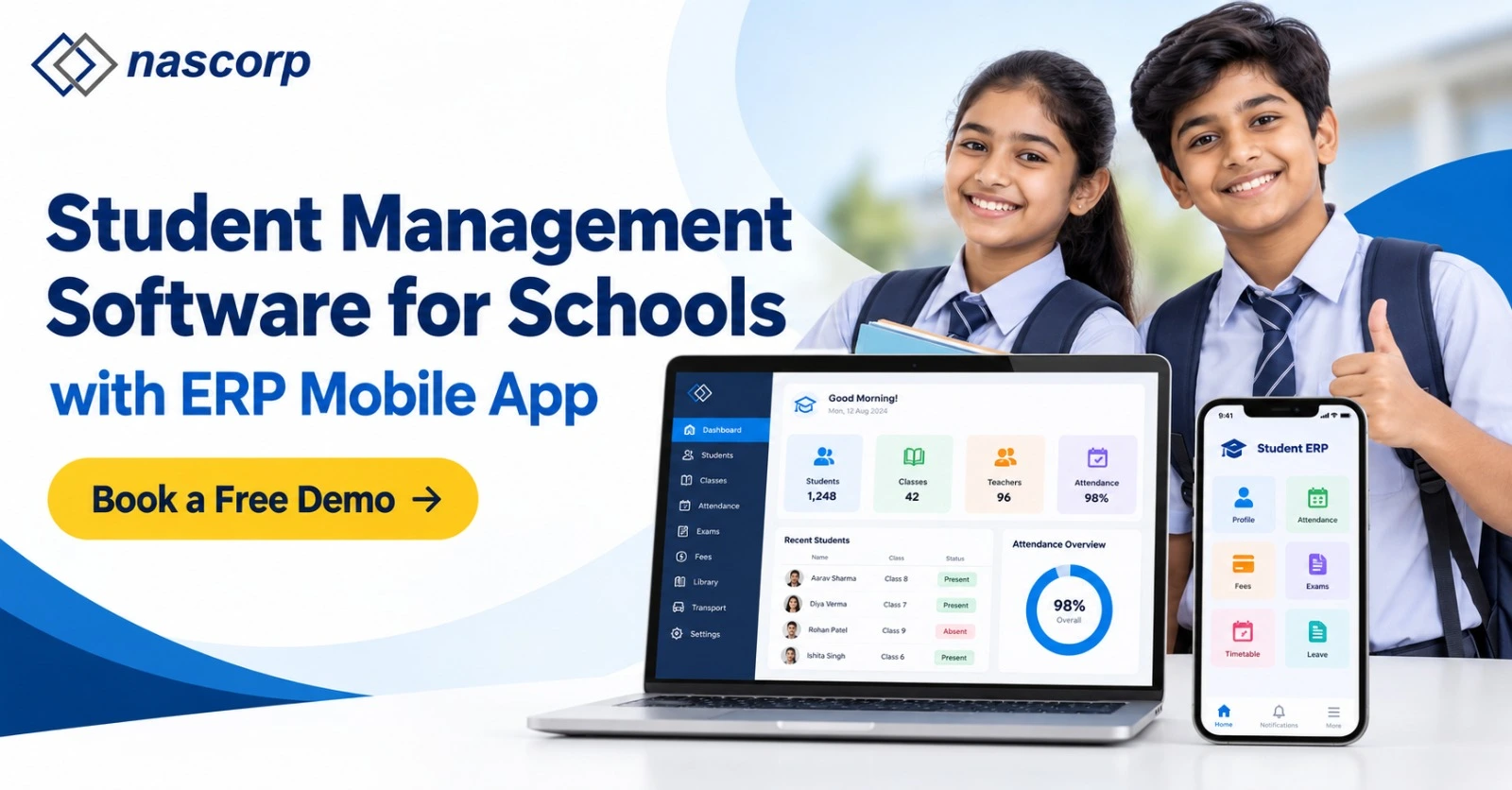
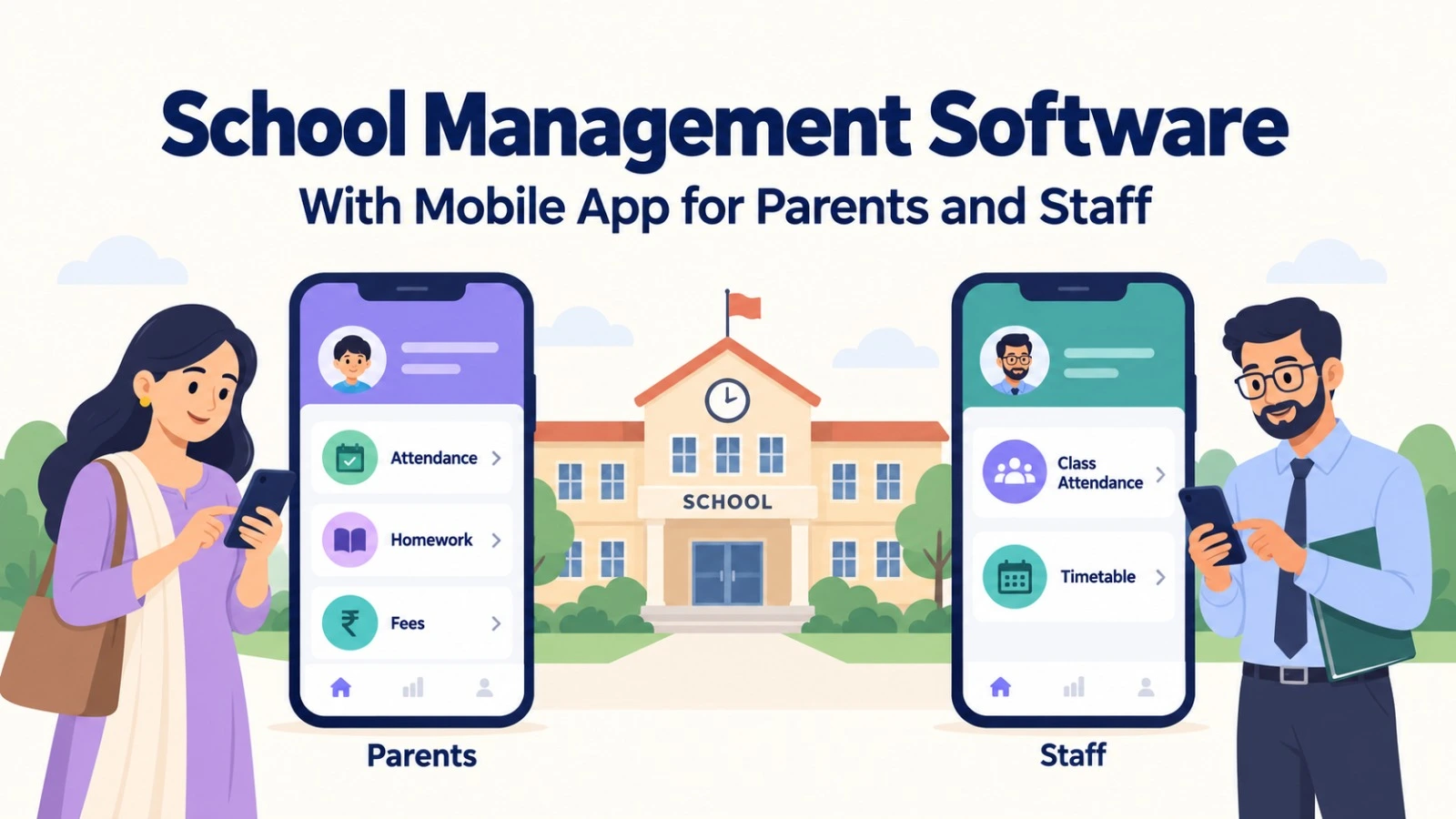
Schools evaluating school management software with mobile app should test the experience of each intended user. Parents, teachers, administrators and management teams have different responsibilities, so they should not be assessed through a single account.
Ask to see how a teacher records attendance, publishes homework or communicates an update. Then review the information available to a parent. Where payment or report-card access is part of the package, demonstrate the complete process rather than relying on screenshots.
School management should also assess the information available through its access. Confirm the reports, permissions and functions included in the selected package. Discuss app branding, supported devices, updates and any associated charges.
A mobile application should be evaluated through everyday tasks. Invite relevant employees to test these tasks and identify questions before purchase. This helps the institution assess usability and prepare for staff training.
School ERP Software for CBSE Schools and Private Institutions
Institutions comparing school ERP software for CBSE schools should review academic configuration in detail. Bring examples of subjects, assessment components, grading rules and report-card formats so that the provider can explain the required setup.
Ask how teachers enter marks, how authorized employees check them and how results are published. Review attendance, homework and lesson-planning requirements where relevant. Confirm the configuration included in the package and how future changes would be handled.
Private schools should also evaluate their admission and financial policies. Fee heads, concessions, payment cycles and approval responsibilities should be demonstrated using the institution’s actual requirements.
Claims that a platform is suitable for a school board should be supported by a discussion of the relevant workflows. The school should still verify its own formats and operational needs before approving implementation.
School ERP Software for Multiple Branches
School groups evaluating school ERP software for multiple branches need to assess both campus-level operations and central management requirements. Different branches may use independent fee structures, academic configurations or employee permissions.
Ask the provider to demonstrate the intended branch structure. Confirm how authorized management users retrieve consolidated reports and how branch employees access their own records. Where required, discuss student transfers, common master data and centralized employee administration.
The quotation should identify the number of branches, relevant functions and configuration services. Do not assume that every multi-branch workflow is included in a standard package. A demonstration using the school group’s intended structure provides a clearer basis for evaluation.
Replace Your Existing School ERP with a Clear Transition Plan
Institutions searching for an alternative to their existing school ERP should first document the problems they want to resolve. These might include difficult reporting, disconnected modules, inconvenient user access or configuration that does not reflect school policies.
Prioritize those issues before comparing providers. Ask Nascorp to demonstrate the proposed approach to each important workflow. This keeps the evaluation focused on the reasons for replacement.
A transition plan should also address data access, employee training and continuity of operations. Review what can be exported from the current platform and identify the records that must remain available. Discuss launch timing around the school’s operational calendar.
Replacing software involves more than selecting a new subscription. The institution needs an agreed implementation scope and a practical plan for moving employees and relevant records into the new environment.
School Management App Pricing
School management app pricing depends on your school’s requirements, selected modules, implementation, integrations and support. Contact Nascorp for a quotation that clearly explains features, setup charges and renewal costs.
School ERP Data Migration Services: Confirm What Can Be Transferred
School ERP data migration services help institutions assess the transfer of records from an existing system or structured files. Migration feasibility depends on data availability, export access, formats, completeness and compatibility with the proposed platform.
Begin by identifying the records required after launch. These may include student information, parent details, fee data, employee information or other agreed records. Some historical information may need separate treatment depending on its format and intended use.
Ask about field mapping, duplicate records, trial imports and validation. The school should know who will check imported information and how discrepancies will be resolved. Backup and reconciliation responsibilities should be documented.
Nascorp’s implementation and data migration information provides a starting point for discussing scope. A technical assessment should confirm the records, services and limitations included in the project.
School ERP Implementation Services and Employee Training
School ERP implementation services should establish how the selected platform will be configured, tested and introduced. The project may include requirement gathering, module setup, permissions, data preparation, integrations, training and go-live planning.
Assign internal coordinators who understand the school’s processes. Admissions, accounts, academics and administration should review the workflows they will use. Their participation helps identify configuration questions before launch.
Training should reflect user responsibilities. Teachers need to understand their academic tasks, while accounts employees need to review financial workflows. Administrators and management users may require different sessions.
Agree on acceptance checks and project milestones. The timeline should reflect scope, data readiness, integrations and employee availability. Confirm how support requests and any required post-launch adjustments will be handled.
Why Evaluate Nascorp for Your School?
Nascorp’s product information describes a connected platform covering academic, administrative and financial activities, alongside mobile applications. Schools can assess this combination through a demonstration based on their own requirements.
The strongest evaluation connects features with daily work. Ask how your team would manage admissions, fees, attendance, examinations and communication. Review the relevant reports and discuss implementation requirements with the provider.
Nascorp’s homepage displays testimonials attributed to Great Mission Public School in Ramnagar, Nainital; Shaurya International School in Jammu; and Sunbeam School in Faizabad. Prospective buyers can request relevant references and ask about implementation, employee adoption and ongoing support.
Customer names and testimonials provide a starting point for further evaluation. Where appropriate, seek a reference from an institution with comparable workflows, scale or requirements. Confirm any performance claims through supporting evidence rather than assumptions.
Prepare for a Useful School ERP Software Demo
A school ERP software demo becomes more useful when the provider understands the institution before the session. Share your school board, location, student count, branches, current system and priority modules.
Prepare sample fee structures, report cards and management reports where possible. List the processes that currently create difficulty and identify the employees who should attend.
During the session, ask the provider to follow those workflows. Discuss permissions, configuration, reports, integrations and implementation requirements. Record unresolved questions and request clarification before finalizing the package.
Discuss ERP migration, staff training and implementation with Nascorp today.
Contact Nascorp Technologies to request a requirements-based consultation.
Frequently Asked Questions About School ERP
1. What is school ERP software?
School ERP software connects academic, administrative and financial processes in an integrated platform. It can help authorized users manage related information across departments such as admissions, accounts, academics and administration.
2. How should we choose the best school ERP software in India?
Choose through a requirements-based comparison. Evaluate your actual workflows, configuration, reports, implementation, migration, training, support and complete cost. The most suitable option depends on the institution’s needs.
3. How much does school ERP software cost in India?
Pricing depends on the agreed package and project scope. Student count, branches, modules, integrations, migration, mobile applications and services may affect the quotation. Request itemized costs and renewal terms.
4. Can schools from every Indian state enquire about Nascorp?
Schools can share their location and requirements with Nascorp. Confirm product fit, implementation arrangements, support terms and any on-site needs directly with the team before proceeding.
5. Does school ERP include parent and teacher mobile applications?
Available applications and functions vary by provider and package. Nascorp describes mobile applications in its product information. Confirm the access, features, branding and charges included in your proposal.
6. What should CBSE schools check during an ERP demonstration?
Review assessment structures, grading rules, report-card formats, attendance and academic reporting. Use your school’s samples and confirm the configuration needed to support them.
7. Can an ERP support multiple school branches?
Some platforms offer multi-branch capabilities. Ask the provider to demonstrate branch permissions, independent configuration and consolidated reporting using your intended structure. Confirm the included scope.
8. Can we migrate records from our current school ERP?
Migration may be possible depending on export access, formats, completeness and compatibility. A technical assessment should confirm which records can be transferred and how they will be validated.
9. Can spreadsheet records be imported into a school ERP?
Structured files may be considered for import, subject to review. Discuss required formats, field mapping, duplicate records and validation responsibilities before confirming the migration scope.
10. How long does school ERP implementation take?
The timeline depends on project scope, data readiness, integrations, configuration and employee availability. Request a plan with responsibilities, milestones and acceptance checks suited to your institution.
11. Does implementation include employee training?
Training should be discussed in the proposed scope. Confirm the sessions, user groups, delivery arrangements and additional charges, if any. Role-based training helps employees understand their own tasks.
12. Is an ERP provider’s office required in the same city?
Evaluate the implementation and support model. Ask how configuration, training, issue resolution and any required visits will be delivered for your school’s location.
13. How can we evaluate school ERP security?
Ask about access controls, backups, audit records, data handling and incident response. Request appropriate documentation and clarify responsibilities. Avoid relying only on broad claims.
14. What should be included in a school ERP quotation?
The quotation should identify the subscription, modules, configuration, migration, integrations, applications, training, support and relevant optional charges. Renewal and data export terms should also be clear.
15. Can school ERP help manage fee collection?
Fee modules may support assignment, payment recording, receipts, reminders and reporting. Ask the provider to demonstrate your fee structure, concessions, payment cycles and reconciliation requirements.
16. Can parents access attendance, homework and report cards?
Access depends on the selected platform, configuration and package. Test these functions using the parent account during the demonstration and confirm how information is published.
17. What information should we prepare before requesting a demo?
Share your location, school board, student count, branches, current system and priority modules. Bring sample reports and a list of workflows you want the provider to demonstrate.
18. How can we request a Nascorp ERP demonstration?
Use Nascorp’s contact page to share your institution’s details and requirements. Ask for a session covering product fit, pricing, implementation and migration questions.
Evaluate Nascorp Using the Workflows Your School Needs
Your school ERP decision should connect software capabilities with the responsibilities of employees and management. Location-based research can begin the search, but workflow fit, implementation and complete costs should guide the final selection.
Bring your priority processes, sample reports, integration requirements and migration questions to a Nascorp consultation. A requirements-based demonstration gives your institution a clearer basis for assessing the platform and proposed services.
Discuss your school’s ERP requirements with Nascorp Technologies.